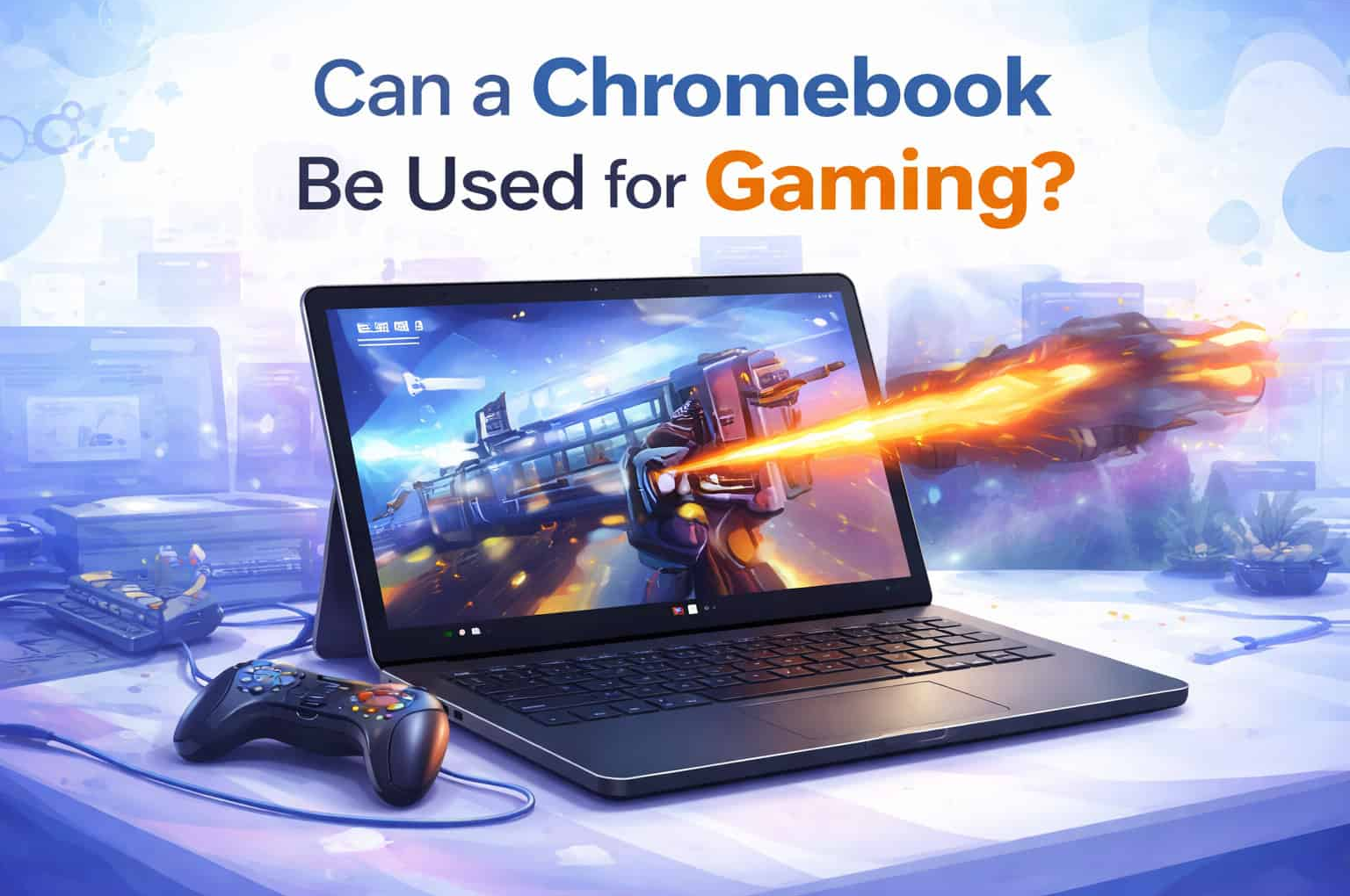
Chromebooks have gained a solid reputation for being affordable, fast, and secure devices primarily designed for web-based tasks and light productivity work. However, as gaming continues to grow in popularity, many users wonder whether a Chromebook can be a viable option for gaming. The answer is not a simple yes or no; it depends on the type of gaming you are interested in and your expectations. In this article, we will explore the potential of Chromebooks for gaming, the types of games they can handle, and their limitations.
Understanding Chromebook Hardware and Software
Chromebooks run on Google’s Chrome OS, which is a lightweight, cloud-focused operating system. Most Chromebooks are equipped with modest hardware, such as Intel Celeron or Pentium processors, 4GB to 8GB of RAM, and integrated graphics. High-end Chromebooks with better specifications exist, but they are not the norm.
Types of Games You Can Play on a Chromebook
1. Web-Based Games
The simplest and most accessible form of gaming on a Chromebook is through web-based games. These games run directly in the browser and do not require significant hardware resources.
- Examples: Games like Agar.io, Slither.io, and Chrome’s Dino Game are popular web-based titles.
- Pros: Easy to access, no need for installation, and minimal hardware requirements.
- Cons: Generally less complex and less graphically intense than other types of games.
2. Android Games
Chromebooks that support the Google Play Store can run Android games, significantly expanding the range of available titles. Many Android games are optimized for mobile devices but can run well on Chromebooks.
- Examples: Popular Android games like PUBG Mobile, Asphalt 9: Legends, and Clash of Clans.
- Pros: Wide variety of games, touch-screen compatibility on supported Chromebooks, and better graphics and gameplay than most web-based games.
- Cons: Not all Android games are optimized for larger screens or keyboard and mouse input, and performance can vary depending on the Chromebook’s hardware.
3. Linux Games
Chrome OS supports Linux applications, allowing users to install and run Linux-based games. This opens up access to many more games, especially indie titles and older classics that can run on modest hardware.
- Examples: Titles available on platforms like Steam for Linux, such as Celeste, Hollow Knight, and Terraria.
- Pros: Access to a broader range of games, including some high-quality indie titles.
- Cons: Requires enabling Linux (Beta) and may involve more complex setup processes. Performance can be limited by the Chromebook’s hardware.
4. Cloud Gaming
Cloud gaming has emerged as a game-changer, allowing Chromebooks to run AAA titles by streaming them from powerful remote servers. Services like Google Stadia, NVIDIA GeForce Now, and Xbox Cloud Gaming have made this possible.
- Examples: AAA games like Assassin’s Creed Valhalla, Cyberpunk 2077, and Fortnite are available on various cloud gaming platforms.
- Pros: Ability to play graphically intensive games without needing high-end hardware. Game progress and data are stored in the cloud, making it easy to switch between devices.
- Cons: Requires a fast and stable internet connection. There may be latency issues, and subscription fees for cloud gaming services can add up.
Limitations of Gaming on a Chromebook
1. Hardware Constraints
Most Chromebooks are not designed with gaming in mind. They lack the powerful CPUs, GPUs, and RAM found in gaming laptops and desktops. This limits their ability to run resource-intensive games locally, and even some Android games may not perform well on lower-end models.
2. Software Compatibility
While Chrome OS supports web, Android, and Linux applications, it does not natively support Windows or macOS games. This means that many popular PC games are not directly playable on Chromebooks without using cloud gaming services or complex workarounds.
3. Limited Game Selection
The range of games available for Chromebooks is more limited compared to Windows or macOS platforms. While cloud gaming services mitigate this to some extent, they are dependent on a robust internet connection and may not support every game.
4. Control Limitations
Some games are designed with specific control schemes in mind, such as a gamepad or a mouse and keyboard. While Chromebooks with touchscreens can handle many Android games well, others may not translate as smoothly from their original platform, leading to suboptimal gaming experiences.
Optimizing Your Chromebook for Gaming
If you decide to use a Chromebook for gaming, here are some tips to optimize your experience:
- Choose a Chromebook with Better Specs: Opt for models with Intel Core processors, 8GB of RAM, and higher resolution displays for improved performance and visuals.
- Use a Gamepad: For Android and cloud gaming, a compatible Bluetooth gamepad can greatly enhance the gaming experience.
- Enable Linux (Beta): Gain access to a wider range of games by enabling Linux (Beta) and installing Linux-based game clients like Steam.
- Cloud Gaming Subscription: Invest in a cloud gaming subscription to access a larger library of high-quality games without needing powerful local hardware.
- Optimize Network: Ensure you have a fast and stable internet connection to minimize latency and buffering during cloud gaming.
Conclusion
While Chromebooks are not traditionally seen as gaming devices, they can handle a surprising variety of games, particularly through web-based platforms, Android apps, Linux compatibility, and cloud gaming services. However, they do come with limitations, primarily related to hardware performance and software compatibility.
For casual gamers or those who primarily engage in light gaming, Chromebooks can offer a satisfying experience, especially with the added versatility of cloud gaming. However, for dedicated gamers who require high performance and access to the latest AAA titles, a traditional gaming laptop or desktop is still the better choice.
Ultimately, whether a Chromebook is suitable for gaming depends on your gaming preferences, the types of games you want to play, and your expectations for performance and flexibility. By understanding these factors, you can make an informed decision and potentially enjoy gaming on a Chromebook within its capabilities.