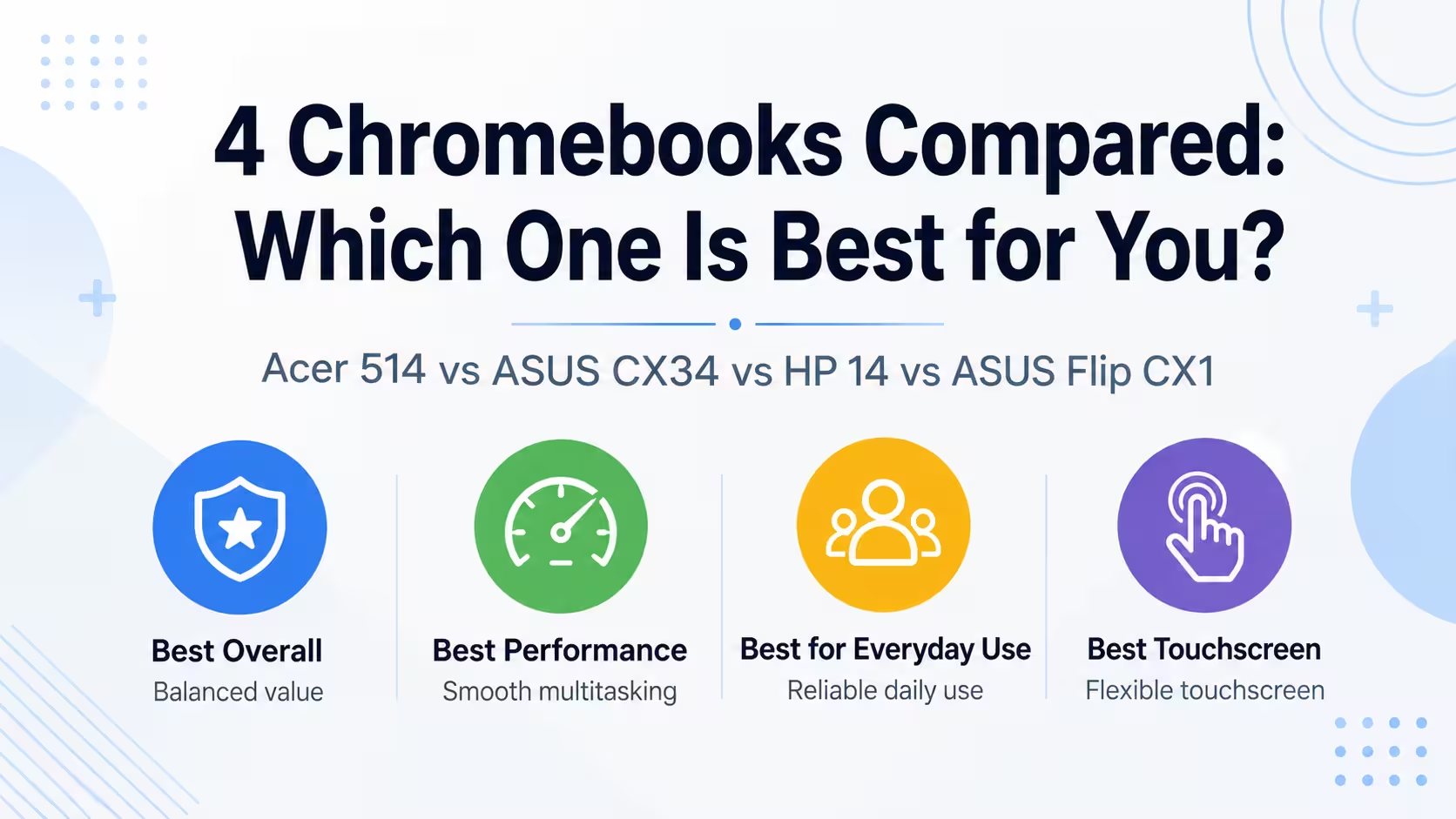
Choosing between similarly sized Chromebooks can be difficult because important differences are often hidden in the processor, storage, display and port selection. In this comparison, we look at four 14-inch models: the Acer Chromebook Plus 514 B0DYNLGYHG, ASUS Chromebook Plus CX34 CX3402CBA-DH386-WH, HP Chromebook 14 14a-nf0099nr and ASUS Chromebook Flip CX1 CX1400FKA-AS88FT. All four laptops run ChromeOS and include 8GB of RAM, making them suitable for web browsing, school assignments, streaming, video calls and everyday productivity.
Quick answer: The Acer Chromebook Plus 514 is the best overall choice because it combines a capable processor with 512GB of storage, a Full HD touchscreen and a relatively low weight. The ASUS Chromebook Plus CX34 is a strong alternative for users who prioritize processor performance and HDMI connectivity. The ASUS Chromebook Flip CX1 offers touchscreen versatility but uses a more basic processor, while the HP Chromebook 14 is best suited to lighter everyday tasks.
What to Look for When Choosing a Chromebook
For a Chromebook intended for regular everyday use, look for at least 8GB of RAM, 128GB of storage, a Full HD display and a recent Intel Core or Intel N-series processor. USB-C, USB-A and modern Wi-Fi support are also useful for accessories and external displays.
Our Top Laptop Picks
1. Acer Chromebook Plus 514 B0DYNLGYHG — Best Overall
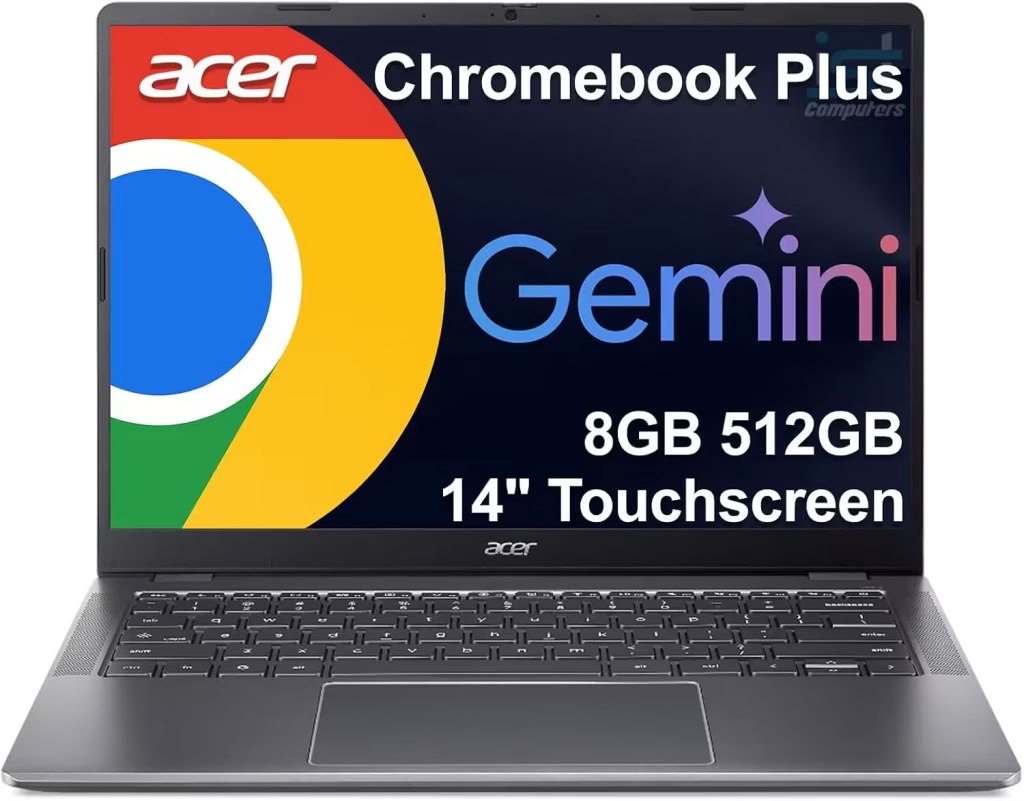
The Acer Chromebook Plus 514 offers the most balanced configuration in this group. It includes an Intel Core i3-N305 processor, 8GB of LPDDR5 memory and a spacious 512GB drive. Its 14-inch IPS touchscreen has a 1920 × 1080 resolution, while the 1080p webcam and relatively low weight make it a strong option for school, work and everyday use.
- Processor: Intel Core i3-N305
- RAM: 8GB LPDDR5
- Storage: 512GB
- Display: 14-inch IPS touchscreen, 1920 × 1080
- Weight: 3.15 lbs
- Wireless: Wi-Fi 6E, Bluetooth 5.1
- Battery: 50Wh
Pros
- Largest storage capacity in the comparison
- Full HD IPS touchscreen
- Capable Intel Core i3-N305 processor
- 1080p webcam
- Good port selection with SD card reader
Cons
- No full-size HDMI port listed
- Integrated graphics are not intended for demanding gaming
2. ASUS Chromebook Plus CX34 CX3402CBA-DH386-WH — Best for Everyday Performance
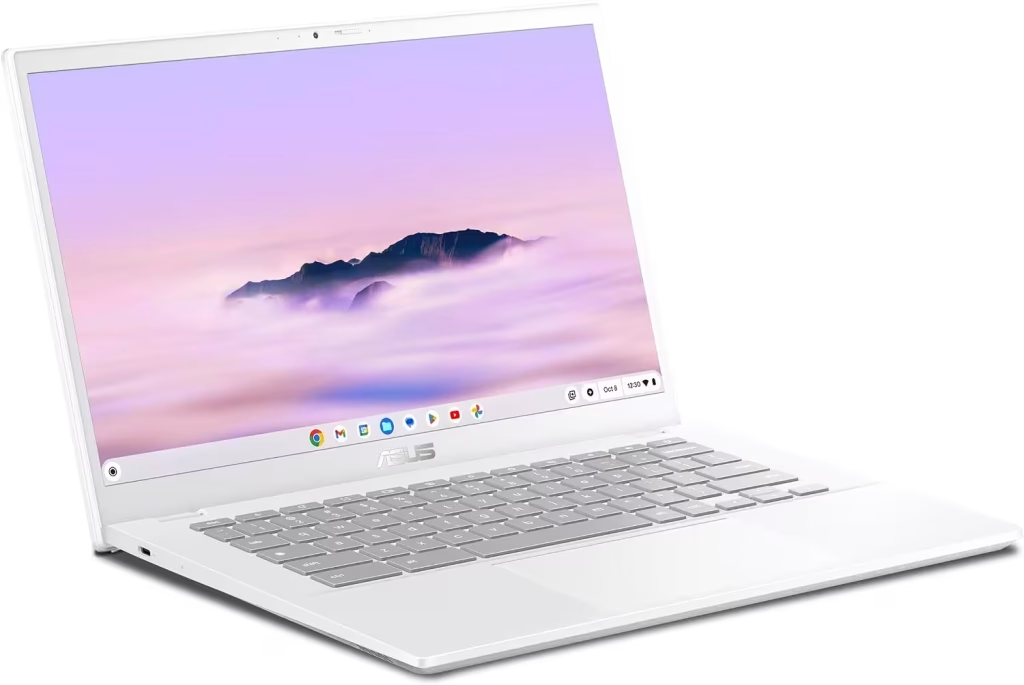
The ASUS Chromebook Plus CX34 uses an Intel Core i3-1215U processor and is a strong fit for users who regularly keep several browser tabs and web applications open. Its 256GB of storage is generous for a Chromebook, and the Full HD display provides sharp text and video. It also offers excellent connectivity with two USB-A ports, two USB-C ports and HDMI.
- Processor: Intel Core i3-1215U
- RAM: 8GB LPDDR5
- Storage: 256GB
- Display: 14-inch, 1920 × 1080
- Weight: 3.17 lbs
- Wireless: Wi-Fi 6, Bluetooth 5.3
- Battery: 50Wh
Pros
- Strong Intel Core i3-1215U processor
- Full HD display
- 256GB of storage
- Full-size HDMI output
- Two USB-A and two USB-C ports
Cons
- Display is not listed as touch-enabled
- Less storage than the Acer Chromebook Plus 514
3. HP Chromebook 14 14a-nf0099nr — Best for Basic Everyday Use
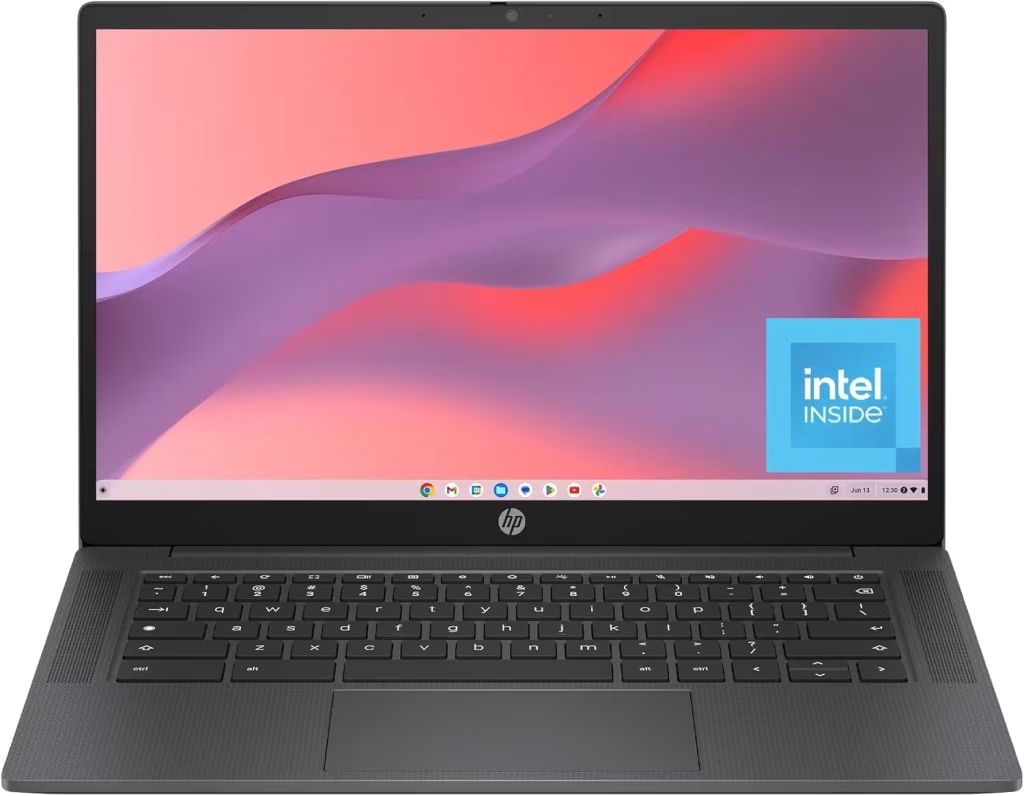
The HP Chromebook 14 is a straightforward option for web browsing, email, streaming, online classes and light document work. It includes an Intel Processor N100, 8GB of DDR5 memory and 128GB of storage. The main compromise is its lower-resolution 1366 × 768 display and more limited port selection.
- Processor: Intel Processor N100
- RAM: 8GB DDR5
- Storage: 128GB
- Display: 14-inch, 1366 × 768
- Weight: 3.2 lbs
- Wireless: Wi-Fi 6E
- Battery: Not listed
Pros
- 8GB of DDR5 memory
- Wi-Fi 6E support
- Portable 3.2-pound design
- Suitable for basic browsing and schoolwork
Cons
- Lower 1366 × 768 display resolution
- Only 128GB of storage
- Limited port selection
4. ASUS Chromebook Flip CX1 CX1400FKA-AS88FT — Best for Touchscreen Versatility
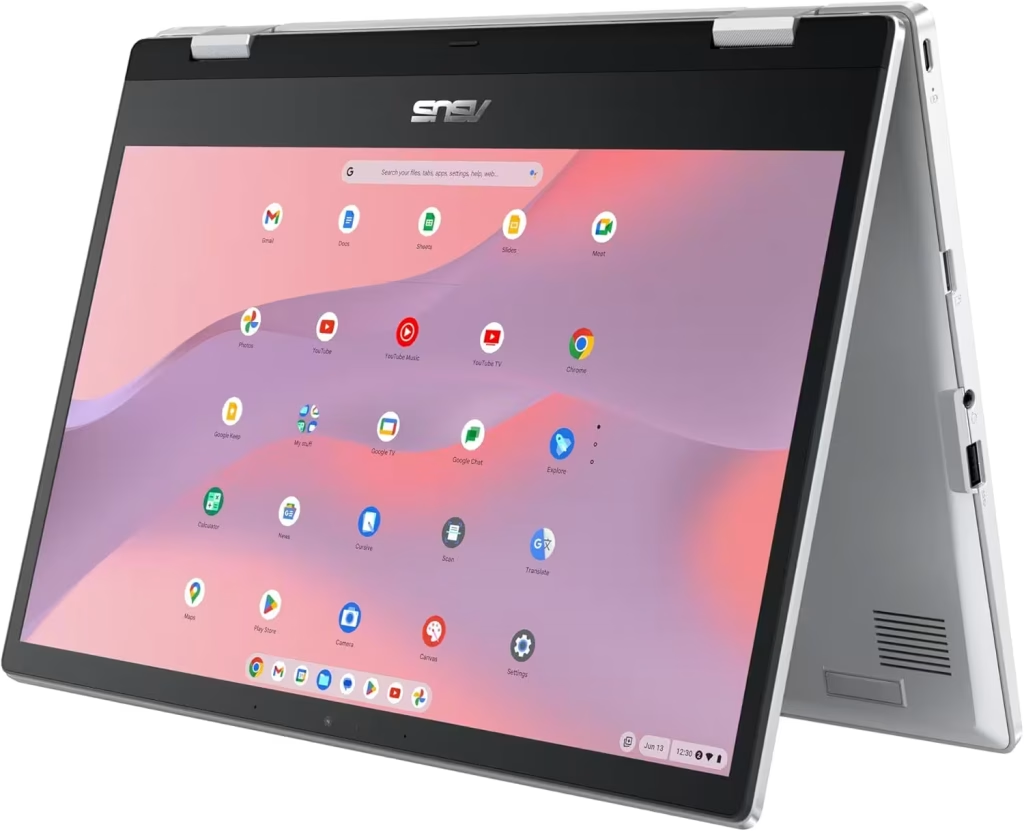
The ASUS Chromebook Flip CX1 is the most flexible entry-level model in this comparison. Its 14-inch Full HD touchscreen is useful for Android applications, browsing, presentations and media consumption. The Intel Celeron N4500 processor is best suited to light everyday tasks rather than heavy multitasking.
- Processor: Intel Celeron N4500
- RAM: 8GB DDR4
- Storage: 128GB
- Display: 14-inch touchscreen, 1920 × 1080
- Weight: 3.6 lbs
- Wireless: Wi-Fi 6, Bluetooth 5.2
- Battery: 50Wh
Pros
- 14-inch Full HD touchscreen
- Flexible convertible design
- Two USB-A and two USB-C ports
- MicroSD card reader
- Wi-Fi 6 and Bluetooth 5.2
Cons
- Intel Celeron N4500 offers basic performance
- Only 128GB of storage
- Uses older DDR4 memory
- Heaviest laptop in the comparison
Some links on this page are affiliate links. LaptopStats may earn a commission from qualifying purchases at no additional cost to you. Prices and availability may change after publication.
Chromebook Comparison
| Specification | Acer Chromebook Plus 514 | ASUS Chromebook Plus CX34 | HP Chromebook 14 | ASUS Chromebook Flip CX1 |
|---|---|---|---|---|
| Best for | Best Overall | Best for Everyday Performance | Best for Basic Everyday Use | Best for Touchscreen Versatility |
| Processor | Intel Core i3-N305 | Intel Core i3-1215U | Intel Processor N100 | Intel Celeron N4500 |
| RAM | 8GB LPDDR5 | 8GB LPDDR5 | 8GB DDR5 | 8GB DDR4 |
| Storage | 512GB | 256GB | 128GB | 128GB |
| Display | 14-inch IPS touchscreen, 1920 × 1080 | 14-inch, 1920 × 1080 | 14-inch, 1366 × 768 | 14-inch touchscreen, 1920 × 1080 |
| Weight | 3.15 lbs | 3.17 lbs | 3.2 lbs | 3.6 lbs |
Also you can see full side-by-side comparison here.
Which Laptop Should You Choose?
Choose the Acer Chromebook Plus 514 for the best overall balance of storage, display quality and portability. Choose the ASUS Chromebook Plus CX34 if processor performance and HDMI connectivity are more important than touchscreen support. The HP Chromebook 14 is suitable for basic web browsing and schoolwork, while the ASUS Chromebook Flip CX1 is the better choice for users who want a touchscreen and convertible design.
Final Verdict
The Acer Chromebook Plus 514 is the strongest overall laptop in this four-model comparison. It has the most storage, the lowest listed weight, a Full HD IPS touchscreen and a capable processor for everyday ChromeOS use. The ASUS Chromebook Plus CX34 is the closest alternative and may be preferable for users who need HDMI connectivity or want the Intel Core i3-1215U processor. The HP Chromebook 14 and ASUS Chromebook Flip CX1 are more basic choices, with the HP better suited to simple everyday use and the ASUS Flip CX1 offering more touchscreen flexibility.
Frequently Asked Questions
Which of these Chromebooks has the most storage?
The Acer Chromebook Plus 514 has 512GB of storage. The ASUS Chromebook Plus CX34 has 256GB, while the HP Chromebook 14 and ASUS Chromebook Flip CX1 each have 128GB.
Which models have a touchscreen?
The Acer Chromebook Plus 514 and ASUS Chromebook Flip CX1 are listed with touchscreens. The ASUS Chromebook Plus CX34 and HP Chromebook 14 are not listed as touchscreen models.
Which Chromebook is the lightest?
The Acer Chromebook Plus 514 is the lightest at 3.15 pounds. The ASUS Chromebook Plus CX34 weighs 3.17 pounds, the HP Chromebook 14 weighs 3.2 pounds and the ASUS Chromebook Flip CX1 weighs 3.6 pounds.
Are these Chromebooks suitable for gaming?
These models are designed mainly for browsing, streaming, schoolwork and everyday productivity. Their integrated graphics can handle casual browser and Android games, but they are not intended for demanding PC gaming.