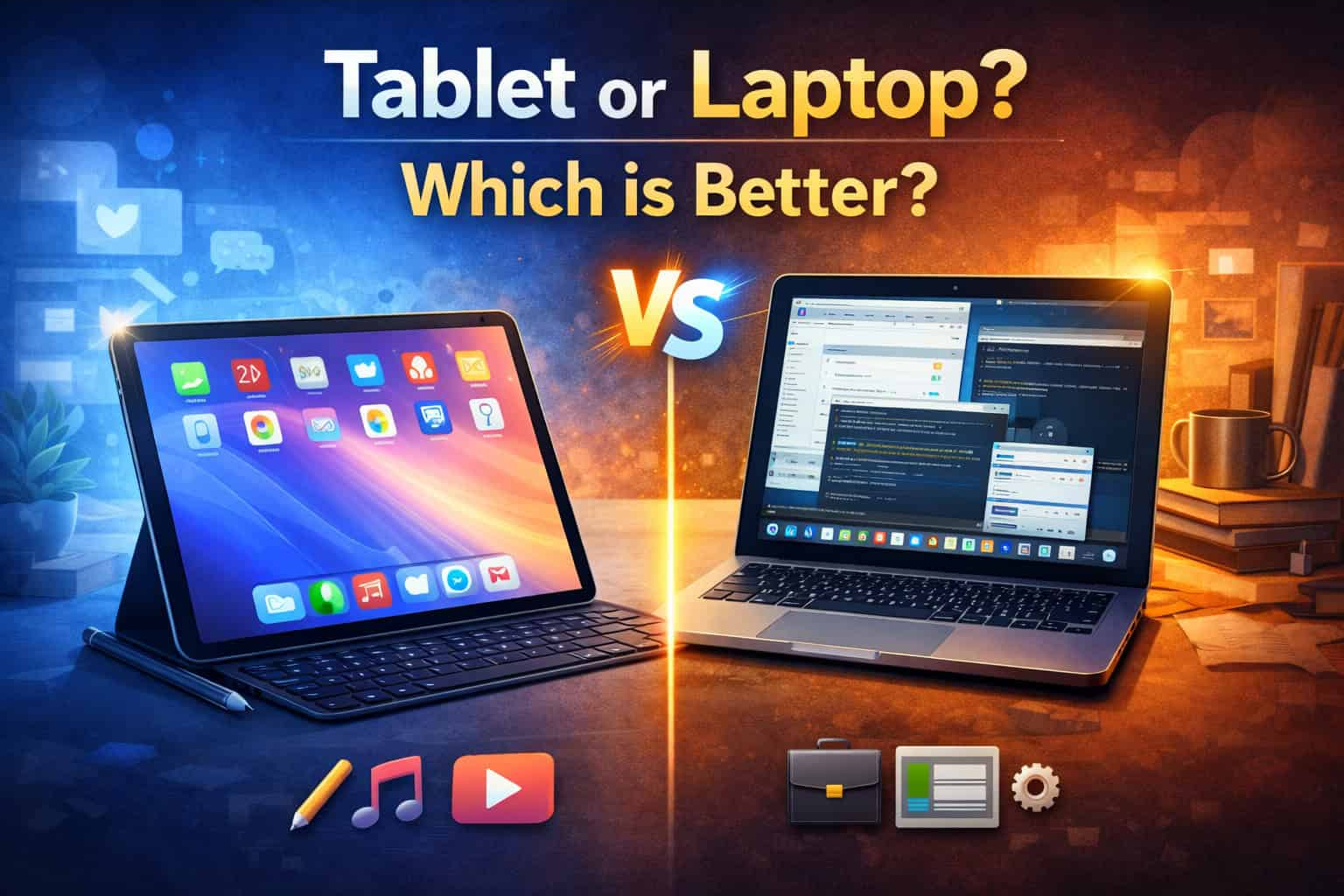
Choosing between a tablet and a laptop depends on how you plan to use the device.
A tablet is usually better for portability, entertainment, reading, handwritten notes, and casual browsing. A laptop is generally better for typing, multitasking, desktop software, file management, gaming, and professional work.
For most people buying only one device, a laptop is the safer choice. A tablet works best when mobility and touchscreen use matter more than desktop-level productivity.
Quick answer
Choose a tablet if you mainly want to:
- Browse the web
- Watch videos
- Read books or documents
- Take handwritten notes
- Draw with a stylus
- Use mobile apps
- Carry the lightest possible device
Choose a laptop if you need to:
- Write long documents
- Work with spreadsheets
- Manage many files
- Use desktop software
- Multitask across several windows
- Connect printers or external displays
- Edit photos or videos
- Play PC games
A 2-in-1 laptop may be a good middle ground when you want Windows software, a physical keyboard, and a touchscreen in one device.
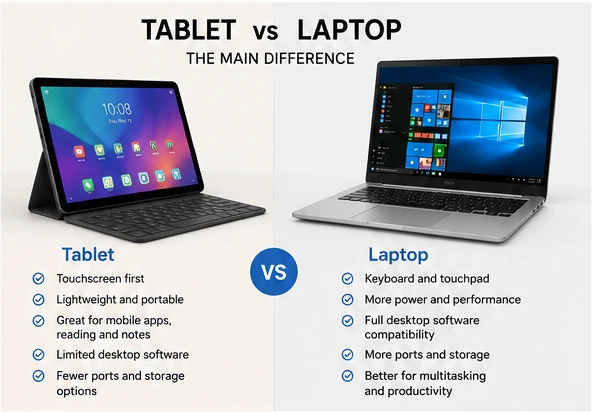
What is the main difference?
A tablet is designed primarily around a touchscreen. Most tablets run mobile operating systems such as iPadOS or Android.
A laptop normally includes:
- A physical keyboard
- A touchpad
- A desktop operating system
- More ports
- More local storage
- Better support for demanding software
Adding a keyboard can make a tablet feel more like a laptop, but it does not automatically provide the same software compatibility, file management, or multitasking experience.
When is a tablet better?
A tablet is the better option when portability and touchscreen use are your main priorities.
Tablets are useful for:
- Reading and streaming
- Taking notes in class
- Drawing and digital art
- Annotating PDFs
- Video calls
- Presentations
- Casual browsing
- Mobile games
They are usually lighter than laptops and easier to hold while standing, traveling, or relaxing on a sofa.
A compatible stylus can make a tablet especially useful for students, artists, teachers, and anyone who works with handwritten notes or diagrams.
However, remember to include accessories when comparing weight and price. A keyboard case, stylus, stand, charger, and USB adapter can make a tablet setup considerably heavier and more expensive.
When is a laptop better?
A laptop is usually better for work, school assignments, and tasks that require frequent typing or multitasking.
Laptops provide:
- A more comfortable keyboard
- Better file management
- Full desktop browsers
- More connection ports
- Better support for external monitors
- Greater software compatibility
- More storage options
- Higher performance choices
A laptop is generally the better choice for:
- Writing reports
- Working with large spreadsheets
- Programming
- Accounting software
- Photo and video editing
- Engineering or CAD programs
- Business applications
- PC gaming
For complex workflows involving several browser windows, documents, email, and communication tools, a laptop is usually easier to manage.
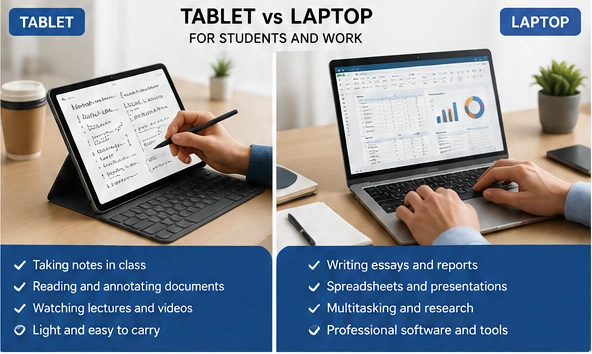
Which is better for students?
A tablet can work well for:
- Handwritten notes
- Reading textbooks
- Annotating documents
- Watching lectures
- Simple assignments
- Art and design work
A laptop is usually better for:
- Writing essays
- Research with many browser tabs
- Presentations
- Spreadsheets
- Programming
- Online exams
- Specialized school software
For most college or university students, a laptop is the safer primary computer. A tablet can be an excellent secondary device for notes and reading.
Before buying, check whether the school requires Windows, macOS, a specific browser, testing software, or specialized applications.
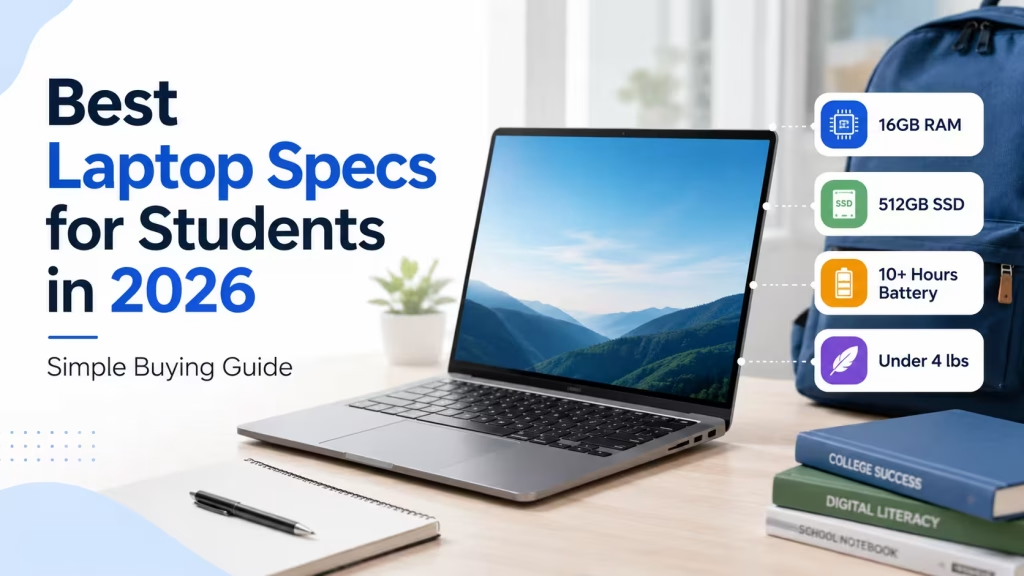
You can also read our guide to the best laptop specifications for students before deciding how much RAM, storage, and processing power you need.
Which is better for work?
For most office and professional use, a laptop is the stronger choice.
It is better suited to:
- Long emails
- Word processing
- Spreadsheets
- Video meetings while multitasking
- Shared drives
- Printers and scanners
- Business software
- Remote administration tools
A tablet can still work well for email, presentations, reviewing documents, field work, and browser-based tasks.
Some people can use a tablet as their main work device, but they may need a keyboard, mouse, stand, and USB hub. Once those accessories are added, the total cost may approach that of a good laptop.
Tablet vs laptop comparison
| Feature | Tablet | Laptop |
|---|---|---|
| Portability | Excellent | Good to excellent |
| Long-form typing | Fair with keyboard | Excellent |
| Touch and stylus | Excellent | Depends on model |
| Desktop software | Limited | Excellent |
| Multitasking | Good for light use | Better for complex work |
| Gaming | Mobile and cloud games | Full PC gaming available |
| Ports | Usually limited | Usually more extensive |
| Local storage | Often lower | Usually higher |
| Battery life | Usually excellent | Varies by model |
| Best for | Media, notes and mobility | Work, school and productivity |
Is a tablet cheaper than a laptop?
Entry-level tablets often cost less than laptops, but the base price does not tell the full story.
You may need to add:
- A keyboard case
- A stylus
- More internal storage
- A protective cover
- A USB hub or adapter
A premium tablet with accessories can cost as much as, or more than, a capable laptop.
A budget laptop usually includes a keyboard, touchpad, desktop operating system, and several ports in the purchase price.
Compare the cost of the complete setup you need, not only the starting price.
Can a tablet replace a laptop?
A tablet may replace a laptop when your needs are limited to:
- Web browsing
- Streaming
- Video calls
- Note-taking
- Basic document editing
- Cloud-based applications
A tablet is less likely to replace a laptop when you need:
- Advanced desktop software
- Extensive file management
- Long typing sessions
- PC gaming
- Programming tools
- Engineering applications
- Multiple external devices
- Heavy photo or video editing
For a more detailed discussion, read Can a Tablet Replace a Laptop?.
Should you buy a 2-in-1 laptop?
A 2-in-1 laptop combines some tablet features with a desktop operating system.
Common designs include:
- Convertible laptops: The screen folds backward into tablet mode.
- Detachable laptops: The keyboard can be removed.
A 2-in-1 may be a good option when you want:
- Windows applications
- A physical keyboard
- Touchscreen controls
- Stylus support
- Better connectivity than most tablets
The tradeoffs are usually higher weight than a dedicated tablet and a higher price than a basic laptop.
What should you check before buying?
Ask these questions:
- Which applications must I use?
- How much typing will I do?
- Do I need a stylus?
- Will I connect monitors, printers, or storage devices?
- Do I need Windows or macOS?
- Will this be my only computer?
These answers will usually make the choice clear.
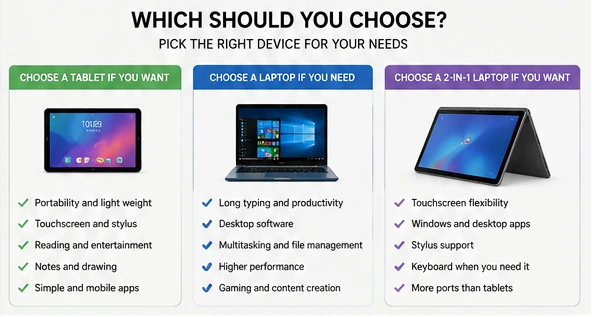
Final recommendation
Choose a tablet when portability, touch controls, reading, entertainment, and handwritten notes are your main priorities.
Choose a laptop when you need dependable productivity, desktop applications, file management, extensive typing, gaming, or professional software.
Choose a 2-in-1 laptop when you want touchscreen flexibility without giving up Windows applications and a physical keyboard.
For most people buying only one device, a laptop remains the more versatile option.
You can browse laptops in the LaptopStats catalog or use the Laptop Picker to narrow the available models.