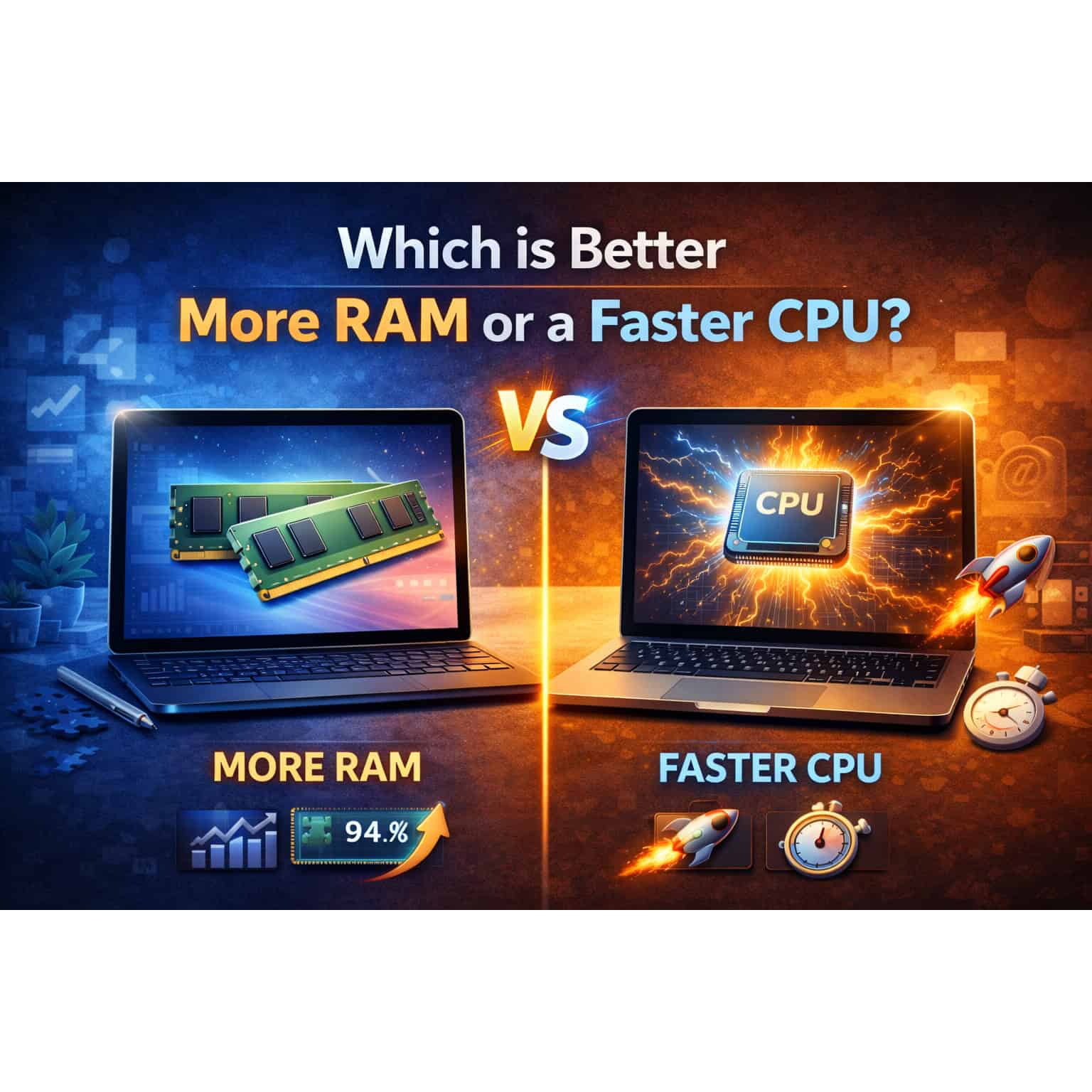
When choosing or upgrading a computer, whether a laptop or desktop, one of the critical decisions you face is prioritizing between more RAM (Random Access Memory) or a faster processor (CPU). Both RAM and the CPU play essential roles in determining your system’s performance, but they serve different functions and impact different aspects of computing. This article explores the differences between RAM and processors, the roles they play in overall system performance, and considerations to help you decide which upgrade is more beneficial for your needs.
Understanding RAM vs. Processor
1. RAM (Random Access Memory):
- Function: RAM is a type of volatile memory that temporarily stores data and instructions that your computer’s CPU needs to access quickly. It allows your computer to multitask efficiently by holding active programs and data that are currently in use.
- Impact on Performance: More RAM enables your computer to handle more tasks simultaneously without slowing down. Insufficient RAM can lead to sluggish performance when multitasking or running memory-intensive applications.
2. Processor (CPU – Central Processing Unit):
- Function: The CPU is often referred to as the brain of the computer. It executes instructions, performs calculations, and controls the overall operation of your computer. A faster processor can process data more quickly, leading to faster execution of tasks and improved overall system responsiveness.
- Impact on Performance: A faster processor is crucial for tasks that require intensive computational power, such as gaming, video editing, 3D rendering, and running complex software.
When More RAM is Beneficial:
- Multitasking: If you frequently use multiple applications simultaneously (e.g., web browsers, office suites, media players), more RAM allows your computer to switch between tasks smoothly without slowdowns.
- Large File Handling: For tasks involving large files, such as video editing, graphic design, and data analysis, having ample RAM ensures that your computer can manipulate and process data efficiently.
- Virtual Machines: Running virtual machines (VMs) or emulators requires sufficient RAM to allocate resources to each virtual environment effectively.
When a Faster Processor is Beneficial:
- CPU-Intensive Tasks: Tasks that rely heavily on CPU performance, such as gaming with high frame rates, video editing, compiling code, and rendering 3D graphics, benefit from a faster processor.
- Real-Time Processing: Applications that require real-time data processing, such as financial trading platforms, scientific simulations, and live streaming, benefit from a CPU that can quickly execute instructions.
Balancing RAM and Processor Upgrades:
1. Assess Your Usage Patterns:
- Identify the types of tasks you perform regularly and determine whether they are more CPU-bound or RAM-intensive.
- Evaluate if your current system’s performance bottlenecks are due to insufficient RAM or CPU power.
2. Consider Budget and Priorities:
- If your budget allows, upgrading both RAM and the CPU provides the best overall performance boost.
- Prioritize upgrades based on the specific tasks that are most critical to your productivity or enjoyment.
3. System Bottlenecks:
- Identify if your computer’s performance issues are primarily due to lack of RAM (e.g., frequent freezing when multitasking) or insufficient CPU power (e.g., slow application launch times, stuttering during gameplay).
Conclusion
Choosing between more RAM or a faster processor depends on your specific computing needs, usage patterns, and budget.
For users who multitask frequently, handle large files, or run multiple virtual machines, upgrading RAM can significantly improve overall system responsiveness and multitasking capability.
On the other hand, users engaged in CPU-intensive tasks such as gaming, video editing, or software development benefit more from a faster processor that can handle complex computations quickly and efficiently.
Ultimately, the best approach may involve a balance between upgrading both RAM and the CPU to achieve optimal system performance for your specific workload and usage scenarios. By understanding the roles of RAM and processors and assessing your priorities, you can make an informed decision that enhances your computing experience effectively.