When choosing a laptop, one of the critical decisions you’ll face is whether to opt for a model with integrated graphics or discrete graphics. Graphics processing plays a crucial role in visual performance, gaming capabilities, and multimedia tasks. Understanding the differences between integrated and discrete graphics, their advantages, and considerations will help you make an informed decision based on your specific needs and preferences.
Understanding Integrated Graphics
Integrated graphics refer to a graphics processing unit (GPU) integrated within the CPU. These GPUs share system memory (RAM) for graphics processing tasks and are commonly found in ultrabooks, budget-friendly laptops, and thin-and-light designs.
Pros of Integrated Graphics:
- Cost and Affordability: Laptops with integrated graphics are generally more affordable than those with discrete GPUs, making them budget-friendly options for casual users and students.
- Power Efficiency: Integrated graphics consume less power than discrete GPUs, contributing to longer battery life, especially beneficial for ultraportable laptops.
- Compact Design: Integrated graphics allow for thinner and lighter laptop designs since they do not require additional space or cooling mechanisms for a discrete GPU.
Cons of Integrated Graphics:
- Performance Limitations: Integrated graphics are less powerful than discrete GPUs, limiting their ability to handle demanding gaming, graphic design, and video editing tasks.
- Graphics Quality: While sufficient for basic tasks and multimedia consumption, integrated graphics may struggle with high-resolution gaming, VR (Virtual Reality), and rendering complex 3D graphics.
Understanding Discrete Graphics
Discrete graphics refer to a dedicated GPU separate from the CPU, equipped with its own dedicated video memory (VRAM). These GPUs are found in gaming laptops, professional workstations, and laptops designed for content creation.
Pros of Discrete Graphics:
- Performance: Discrete GPUs offer superior graphics performance compared to integrated graphics, providing smoother gameplay, faster rendering times, and enhanced visual quality for demanding applications.
- Gaming Capabilities: Gaming laptops with discrete GPUs can handle modern games at higher frame rates and settings, delivering a more immersive gaming experience.
- Professional Applications: Discrete GPUs are essential for professionals in fields such as graphic design, video editing, 3D modeling, and engineering simulations, where GPU acceleration significantly boosts productivity.
Cons of Discrete Graphics:
- Cost: Laptops with discrete graphics tend to be more expensive due to the higher cost of the GPU and associated components.
- Power Consumption: Discrete GPUs consume more power than integrated graphics, which can lead to shorter battery life, especially under heavy graphics load.
- Heat and Noise: Discrete GPUs generate more heat during operation, requiring robust cooling solutions that may increase laptop size and fan noise levels.
Choosing Between Integrated and Discrete Graphics
1. Casual Use and Productivity:
- Integrated Graphics: Ideal for web browsing, email, document editing, and streaming multimedia content with sufficient performance and power efficiency.
2. Gaming and Multimedia:
- Discrete Graphics: Recommended for gaming enthusiasts and users who require superior graphics performance for playing modern games, editing videos, or working with high-resolution multimedia content.
3. Professional Use and Content Creation:
- Discrete Graphics: Essential for professionals in creative fields (e.g., graphic design, video editing, 3D modeling) where GPU acceleration is critical for rendering complex projects efficiently.
Conclusion
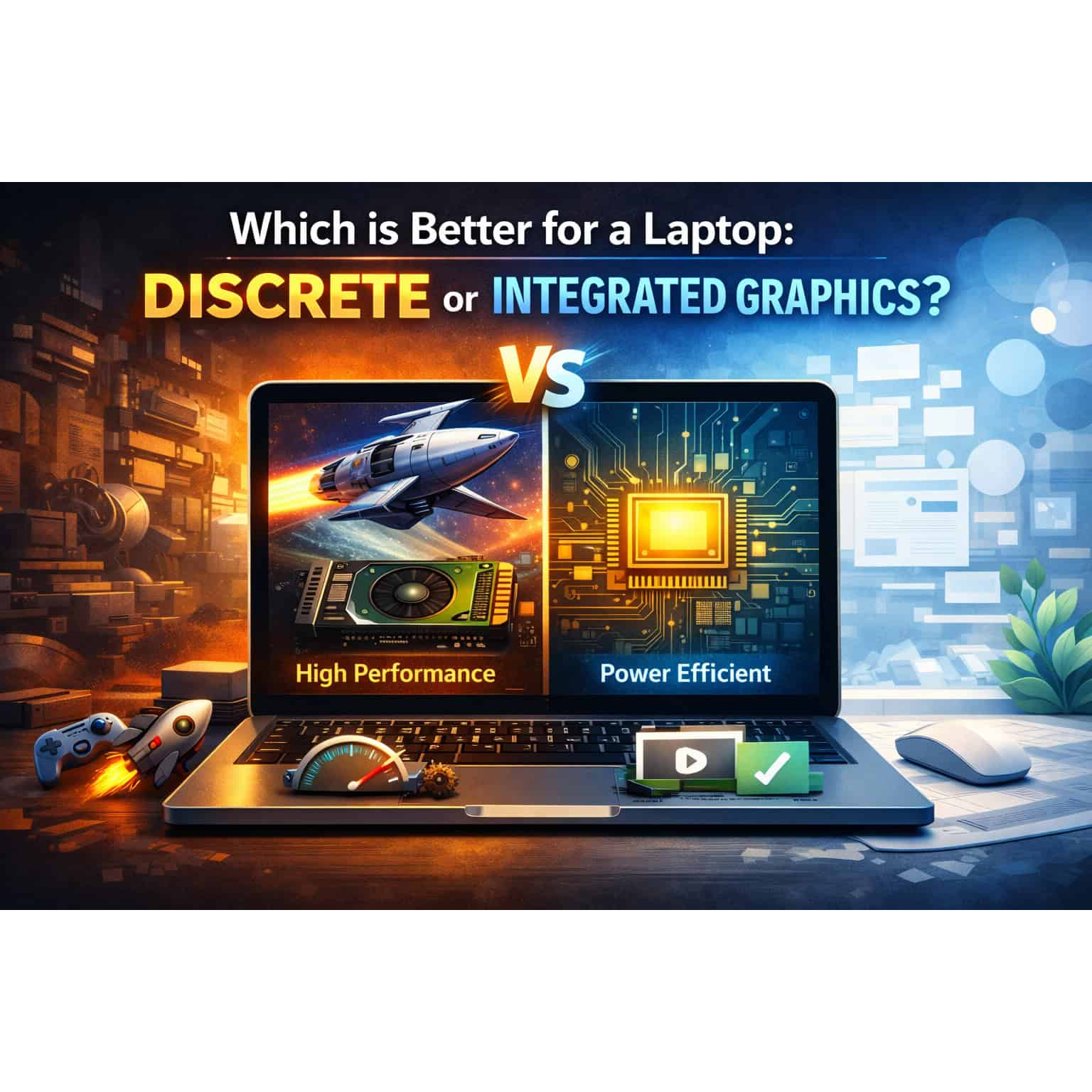
The choice between integrated and discrete graphics ultimately depends on your specific needs, budget, and usage patterns. Integrated graphics offer cost-effectiveness, power efficiency, and adequate performance for everyday tasks and casual multimedia consumption.
In contrast, discrete graphics deliver superior performance, gaming capabilities, and enhanced productivity for demanding applications and professional use cases.
By understanding the strengths and limitations of each option and assessing your priorities—whether gaming, content creation, or everyday productivity—you can select the type of graphics solution that best suits your requirements and enhances your overall laptop experience accordingly.