Discrete graphics cards, often referred to as dedicated GPUs (Graphics Processing Units), offer enhanced graphics performance and are crucial components in gaming laptops, professional workstations, and laptops designed for intensive graphic tasks. However, like any technology, they come with certain drawbacks that users should consider when making a purchasing decision. This article explores the disadvantages of discrete graphics cards to provide a balanced perspective on their use in laptops.
Cost
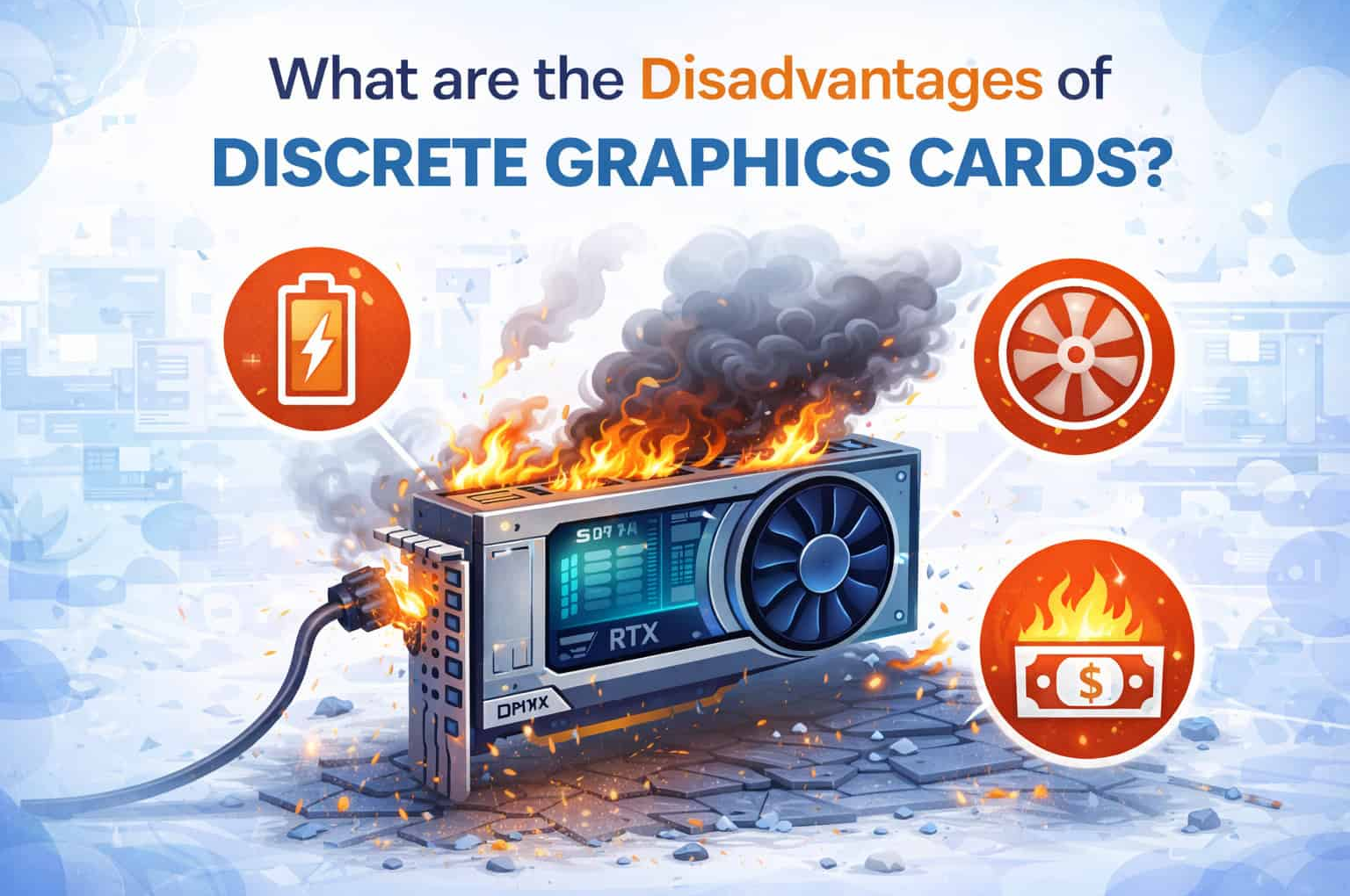
Disadvantage: One of the primary drawbacks of discrete graphics cards is their cost. Laptops equipped with dedicated GPUs tend to be more expensive than those with integrated graphics solutions. This is due to the higher manufacturing costs of the GPU itself, as well as additional components required for adequate cooling and power delivery.
Impact: Budget-conscious consumers may find that laptops with discrete graphics exceed their budgetary constraints, particularly if they do not require the additional graphics performance for their typical usage scenarios.
Power Consumption and Battery Life
Disadvantage: Discrete graphics cards consume more power compared to integrated graphics solutions. The GPU requires a higher wattage to operate effectively, which can lead to increased power consumption and subsequently reduce battery life on laptops.
Impact: Users who prioritize portability and long battery life may find that laptops with discrete GPUs do not meet their expectations. These laptops may require frequent charging, especially when performing graphically demanding tasks such as gaming or video editing.
Heat Generation and Thermal Management
Disadvantage: Discrete graphics cards generate more heat during operation compared to integrated graphics. The GPU’s high power consumption and intensive workload contribute to increased thermal output, requiring robust cooling solutions such as heat sinks, fans, or even liquid cooling systems.
Impact: Heat management becomes a critical consideration in laptops with discrete GPUs. Excessive heat can lead to thermal throttling, where the GPU reduces its performance to prevent overheating, resulting in decreased overall system performance and user experience.
Size and Weight
Disadvantage: Laptops with discrete graphics cards often feature larger and heavier designs compared to those with integrated graphics. This is partly due to the need for additional cooling mechanisms and physical space to accommodate the dedicated GPU and associated components.
Impact: Users seeking ultraportable or thin-and-light laptops may find that models with discrete GPUs are bulkier and less convenient for carrying around. The increased weight can also affect mobility and user comfort, particularly for frequent travelers or commuters.
Complexity and Maintenance
Disadvantage: Laptops with discrete graphics cards are generally more complex in design and may require more maintenance compared to those with integrated graphics. The additional components and cooling systems can increase the risk of hardware failures or component malfunctions over time.
Impact: Users may need to invest more time and effort into maintaining laptops with discrete GPUs, such as cleaning dust from vents, monitoring temperatures, and potentially troubleshooting issues related to graphics performance or cooling efficiency.
Conclusion
While discrete graphics cards offer significant benefits in terms of enhanced graphics performance and capabilities, they also come with several disadvantages that users should consider. These include higher cost, increased power consumption leading to shorter battery life, heat generation requiring robust thermal management, larger and heavier laptop designs, and potential complexity in maintenance and repair. When choosing a laptop with discrete graphics, it’s essential to weigh these drawbacks against your specific needs and priorities, such as gaming, content creation, or professional applications. By understanding the trade-offs involved, you can make an informed decision that aligns with your budget, performance expectations, and overall computing requirements.