In today’s technology-driven world, laptops have become essential tools for work, study, and entertainment. With a vast array of options available, selecting the right laptop can be overwhelming. This guide will walk you through the key considerations to help you choose the perfect laptop tailored to your specific needs.
Understanding Your Needs
Primary Use
The first step in choosing the right laptop is understanding its primary use. Different use cases require different specifications and features.
- Business/Work: For professionals, a reliable laptop with a robust build, good keyboard, and long battery life is essential. Business laptops often need security features like fingerprint sensors and TPM (Trusted Platform Module) chips.
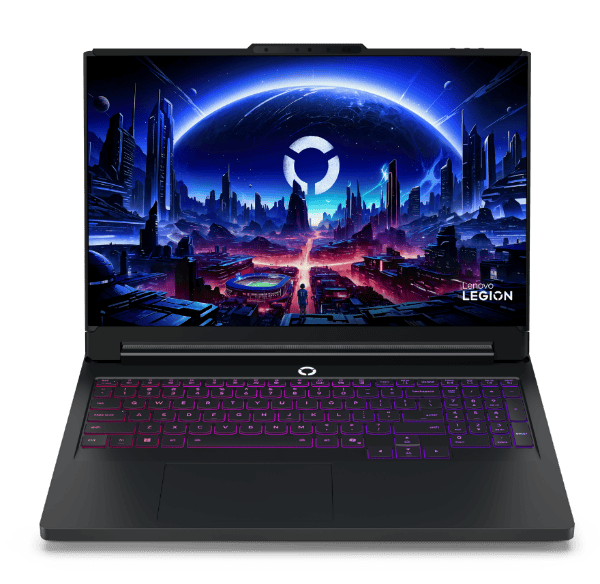
- Gaming: Gaming laptops need powerful GPUs, high-refresh-rate displays, and efficient cooling systems. Features like customizable RGB lighting and advanced cooling solutions are also desirable.
- Multimedia/Entertainment: If you plan to use your laptop for watching movies, listening to music, or editing photos/videos, a high-quality display, good speakers, and sufficient storage are crucial.
- Travel/Portability: Travelers need lightweight, compact laptops with long battery life. Durability and a variety of connectivity options are also important.
- Educational/Student: Students need a balance of performance, portability, and battery life. Budget considerations are also significant, making affordable yet capable laptops ideal.
- Creative Professionals: Graphic designers, video editors, and other creative professionals require laptops with powerful CPUs, dedicated GPUs, high-resolution displays, and accurate color reproduction.
Budget Considerations
Budget is a critical factor when selecting a laptop. Generally, laptops can be categorized into three budget ranges:
- Low Budget (Under $500): Basic laptops suitable for web browsing, word processing, and light tasks. Chromebooks and entry-level Windows laptops fall into this category.
- Mid-Range Budget ($500-$1000): Offers better performance, build quality, and features. Suitable for students, office work, and moderate gaming.
- High-End Budget (Above $1000): Premium laptops with top-notch performance, build quality, and features. Ideal for gaming, professional work, and heavy multitasking.
Key Specifications to Consider
Processor (CPU)
The CPU is the brain of the laptop, influencing its overall performance.
- Intel Processors: Intel Core i3, i5, i7, and i9 processors cater to different performance needs. For basic tasks, an i3 suffices, while i5 and i7 are suitable for multitasking and professional work. The i9 is for high-end gaming and demanding applications.
- AMD Processors: AMD Ryzen 3, 5, 7, and 9 series offer competitive performance. Ryzen 5 and 7 are popular choices for their excellent multitasking and gaming capabilities.
Memory (RAM)
RAM impacts the laptop’s ability to handle multiple applications simultaneously.
- 4GB: Suitable for basic tasks like web browsing and word processing.
- 8GB: Ideal for most users, balancing performance and cost.
- 16GB: Great for multitasking, gaming, and professional work.
- 32GB and above: Necessary for heavy multitasking, professional video editing, and 3D rendering.
Storage
Storage affects the speed and capacity for data storage.
- HDD (Hard Disk Drive): Offers large storage capacities at lower prices but is slower and less durable than SSDs.
- SSD (Solid State Drive): Faster, more reliable, and energy-efficient. Commonly used for the operating system and frequently accessed files.
- Hybrid (SSHD): Combines SSD and HDD features, offering a balance of speed and capacity.
Graphics Card (GPU)
The GPU handles rendering images and videos.
- Integrated GPU: Suitable for everyday tasks and light gaming. Found in most budget and mid-range laptops.
- Dedicated GPU: Necessary for gaming, graphic design, and video editing. Popular options include NVIDIA GeForce and AMD Radeon series.
Display
The display is a crucial aspect of your laptop experience.
- Screen Size: Common sizes include 13″, 15″, and 17″. Smaller screens are more portable, while larger screens offer better visibility and comfort.
- Resolution: Higher resolutions (Full HD, 4K) provide clearer and sharper images. Essential for multimedia and professional use.
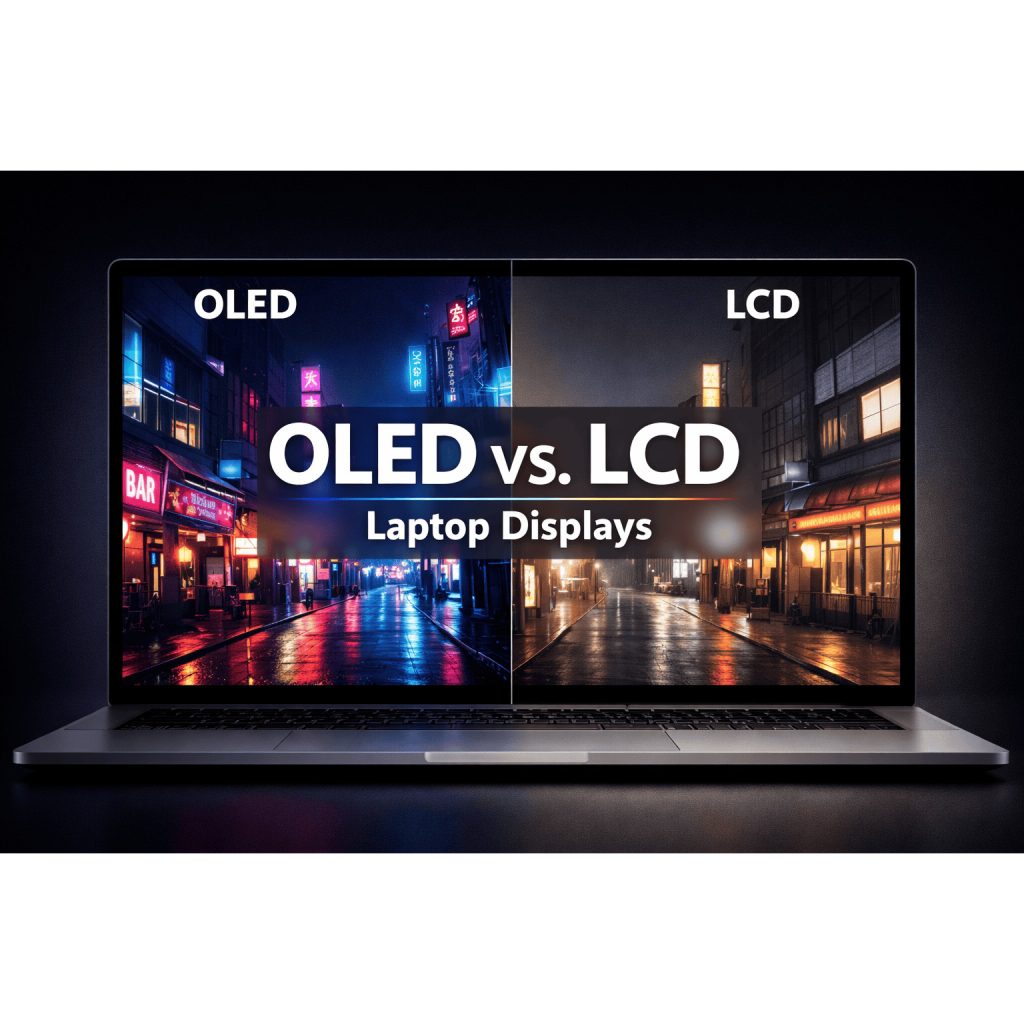
- Panel Type: IPS panels offer better color and viewing angles compared to TN panels. OLED panels provide superior contrast and color accuracy.
- Refresh Rate: Higher refresh rates (120Hz, 144Hz) are beneficial for gaming, providing smoother visuals.
Battery Life
Battery life is crucial, especially for those on the go. Look for laptops with at least 8 hours of battery life for all-day use. Battery capacity (measured in Wh) and power efficiency of components influence battery performance.
Portability and Build Quality
Portability depends on weight, dimensions, and build quality. Ultrabooks are lightweight and slim, ideal for travel. Build materials like aluminum and magnesium offer better durability compared to plastic.
Connectivity Options
Modern laptops require a variety of ports and connectivity options.
- USB Ports: USB-A and USB-C ports for peripherals.
- HDMI/DisplayPort: For connecting external monitors.
- Thunderbolt 3/4: High-speed data transfer and connectivity.
- SD Card Slot: Useful for photographers and videographers.
- Wireless Connectivity: Wi-Fi 6 and Bluetooth 5 offer better speed and range.
Operating System Choices
Windows
- Pros: Broad compatibility with software, gaming support, wide range of hardware options.
- Cons: Can be prone to malware, may require regular maintenance.
macOS
- Pros: Intuitive interface, seamless integration with Apple devices, strong performance in creative applications.
- Cons: Expensive, limited hardware options, less gaming support.
Linux
- Pros: Free and open-source, highly customizable, secure.
- Cons: Steeper learning curve, limited software compatibility.
Chrome OS
- Pros: Lightweight and fast, secure, great for web-based tasks and education.
- Cons: Limited offline capabilities, restricted to Chrome Web Store apps.
Additional Features and Considerations
Keyboard and Touchpad
A comfortable keyboard and precise touchpad are essential for productivity. Consider the following:
- Keyboard Layout: Full-sized keyboards with good key travel and feedback are preferable.
- Backlit Keyboard: Useful for low-light conditions.
- Touchpad: Look for large, responsive touchpads with multi-touch gesture support.
Audio Quality
Good audio quality enhances multimedia experiences and virtual meetings.
- Speakers: Look for laptops with front-facing speakers for better sound quality.
- Microphone: High-quality microphones are essential for clear communication.
- Audio Brands: Collaborations with brands like Dolby and Bang & Olufsen can indicate better audio quality.
Webcam and Camera Quality
Webcams are crucial for remote work and online learning. Look for:
- Resolution: HD (720p) or Full HD (1080p) webcams for clear video.
- Features: Privacy shutters, built-in microphones, and noise reduction are valuable.
Special Features
- Touchscreen Capabilities: Useful for creative work and navigation.
- Convertible or 2-in-1 Designs: Laptops that can be used as tablets offer versatility.
- Biometric Security: Fingerprint scanners and facial recognition add an extra layer of security.
Research and Reviews
Researching Brands and Models
Trusted brands offer reliability, customer support, and quality assurance. Popular laptop brands include Dell, HP, Lenovo, Apple, ASUS, and Acer. Research specific models and compare their features and performance.
Reading Reviews and Comparisons
Professional reviews provide detailed insights into a laptop’s performance, build quality, and features. User reviews offer real-world feedback on reliability and usability. Comparison sites can help you evaluate different models side by side.
Checking for Deals and Warranties
Timing your purchase can save money. Look for sales during back-to-school seasons, Black Friday, and other promotional periods. Check the warranty terms to ensure coverage for potential issues.
Conclusion
Choosing the perfect laptop requires careful consideration of your specific needs, budget, and preferences. By understanding the key specifications, operating systems, and additional features, you can make an informed decision that ensures your laptop meets your expectations and requirements.
Whether you’re a professional needing a powerful work machine, a student looking for a reliable and affordable laptop, or a gamer seeking high performance, the right laptop is out there. Take the time to research, compare options, and read reviews to find the laptop that best suits your needs.
Happy laptop shopping!