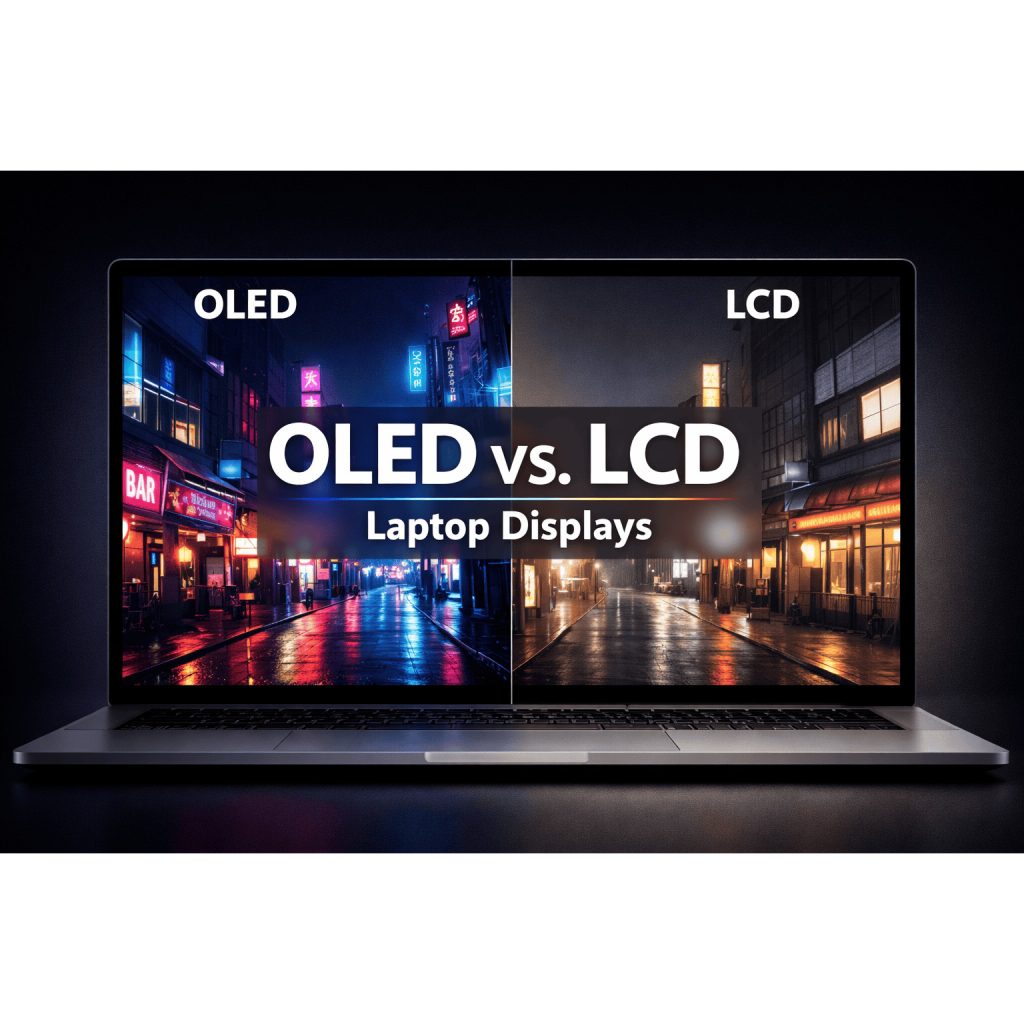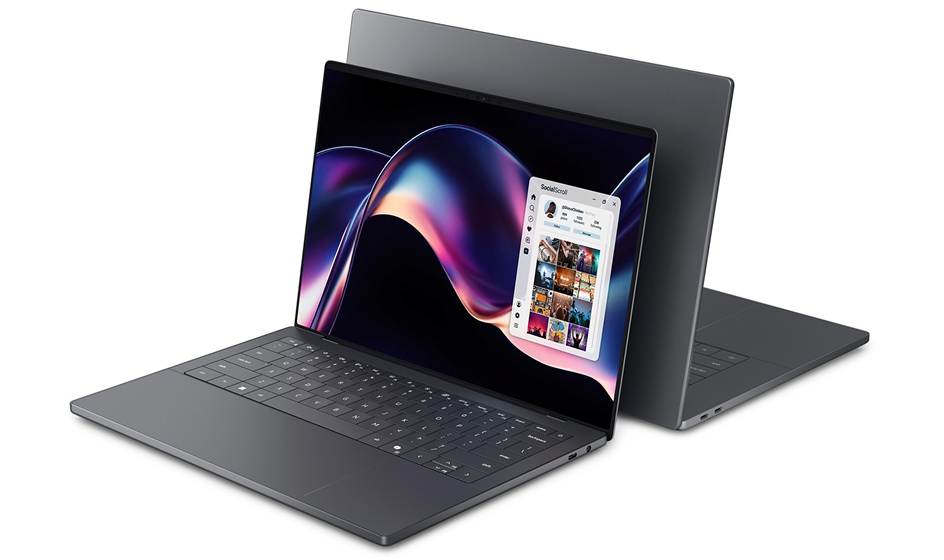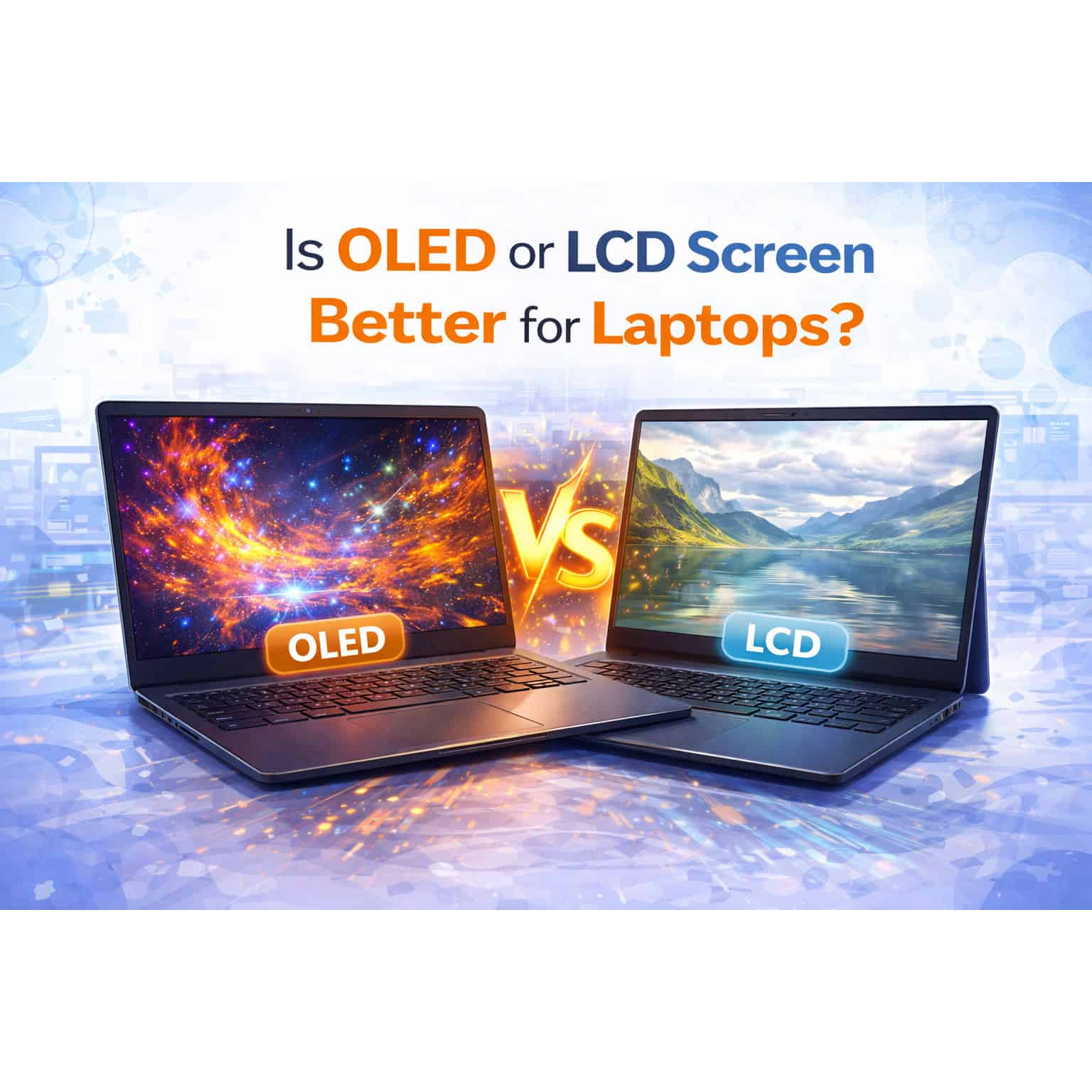
When choosing a laptop, one of the critical decisions you’ll face is selecting the type of display technology: OLED (Organic Light Emitting Diode) or LCD (Liquid Crystal Display). Each has its own set of advantages and considerations, impacting factors such as image quality, power consumption, and cost. This article explores the differences between OLED and LCD screens to help you decide which is better suited for your laptop needs.
Understanding OLED Screens
Pros of OLED Screens:
- Image Quality: OLED screens typically offer superior image quality compared to LCDs. They provide deeper blacks, higher contrast ratios, and vibrant colors due to each pixel emitting its own light.
- Wide Viewing Angles: OLED screens maintain color accuracy and brightness even when viewed from sharp angles, making them ideal for sharing content or multimedia consumption.
- Fast Response Time: OLED screens have faster response times than LCDs, reducing motion blur during fast-paced scenes in videos or games.
- Energy Efficiency: OLEDs are more power-efficient than LCDs because they do not require a backlight. Black pixels consume zero power, contributing to longer battery life when displaying dark content.
Cons of OLED Screens:
- Cost: OLED screens are generally more expensive to manufacture than LCDs, which can drive up the overall cost of laptops equipped with OLED displays.
- Burn-in Risk: OLED screens are susceptible to burn-in, where persistent images or icons may leave a faint ghost image on the screen over time. However, modern OLED panels have implemented technologies to mitigate this issue.
- Brightness Limitations: OLED screens may not achieve the same peak brightness levels as some high-end LCDs, which can affect visibility in very bright environments.
Understanding LCD Screens
Pros of LCD Screens:
- Cost: LCD screens are typically more affordable than OLEDs, making laptops with LCD displays more budget-friendly.
- Brightness: LCDs can achieve higher peak brightness levels compared to OLEDs, which is beneficial for outdoor use or well-lit environments.
- Variety: LCDs come in various types, such as IPS (In-Plane Switching), TN (Twisted Nematic), and VA (Vertical Alignment), each offering different strengths in color accuracy, response time, and viewing angles.
- No Burn-in Risk: Unlike OLEDs, LCDs do not suffer from burn-in issues, making them more suitable for applications where static images are displayed for extended periods.
Cons of LCD Screens:
- Contrast Ratio: LCDs typically have lower contrast ratios compared to OLEDs, resulting in blacks that appear less deep and vibrant.
- Viewing Angles: While IPS LCDs offer good viewing angles, other types like TN panels may suffer from color shifting when viewed off-center.
- Power Consumption: LCDs require a backlight to illuminate the display, leading to higher power consumption compared to OLEDs, especially when displaying bright content.
Which is Better for Laptops: OLED or LCD?
1. Content Consumption and Multimedia: If you prioritize stunning visuals, vibrant colors, and deep blacks for watching movies, editing photos, or gaming, OLED screens provide an immersive experience with superior image quality.
2. Productivity and Budget: For general productivity tasks, web browsing, and budget considerations, LCD screens offer a cost-effective solution with good overall performance and versatility.
3. Battery Life: OLED screens can contribute to longer battery life when displaying content with dark backgrounds due to their energy-efficient nature. However, LCDs with efficient backlight management can also optimize battery usage.
4. Durability and Longevity: LCD screens are generally more robust against burn-in and may have longer lifespans compared to OLEDs in terms of maintaining consistent image quality over time.
Conclusion
Choosing between OLED and LCD screens for your laptop ultimately depends on your specific needs, preferences, and budget. OLED screens excel in image quality, viewing angles, and energy efficiency but come at a higher cost and may have limitations in brightness and potential burn-in issues. LCD screens offer affordability, versatility across different types, and higher brightness levels but may sacrifice in contrast ratio and energy efficiency.
When shopping for a laptop, consider how you primarily use your device—whether for content consumption, productivity, gaming, or professional tasks—and weigh the pros and cons of each display technology accordingly. By understanding these differences, you can make an informed decision that enhances your overall laptop experience based on your priorities for visual quality, performance, and long-term usability.