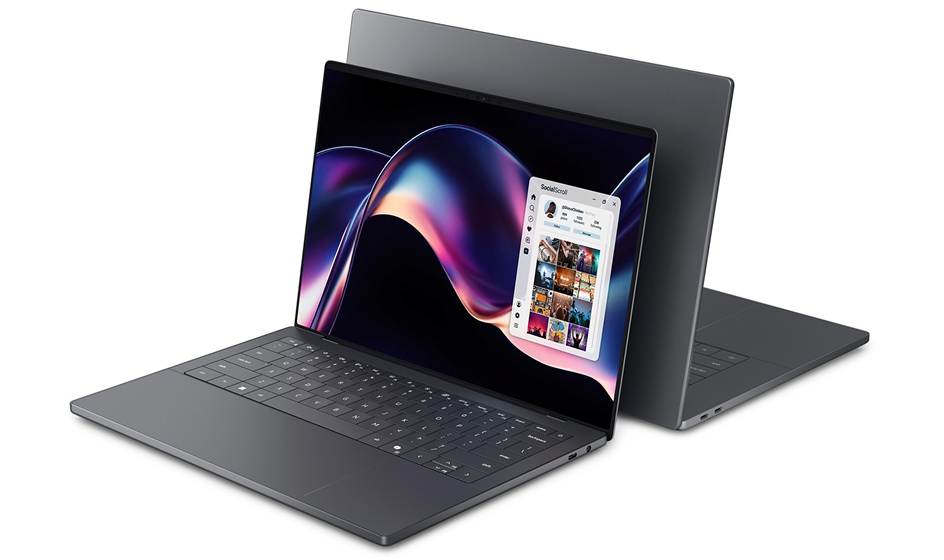
Choosing the right amount of memory (RAM) for your laptop is crucial as it directly impacts performance, multitasking capabilities, and overall user experience. However, determining the optimal amount of RAM depends on several factors, including your specific usage patterns, the type of tasks you perform, and future-proofing considerations. This article will guide you through understanding RAM requirements and help you decide how much memory your laptop should have.
Understanding RAM Basics
RAM (Random Access Memory) is a type of volatile memory that your laptop uses to store data that is actively being used or processed. Unlike storage (e.g., SSD or HDD), which retains data even when the laptop is powered off, RAM is cleared when the computer shuts down. RAM directly affects how fast your laptop can run applications and switch between tasks.
Factors to Consider When Choosing RAM:
- Type of Applications: Different applications have varying RAM requirements. For example:
- Basic Tasks: Web browsing, email, and document editing typically require 4GB to 8GB of RAM.
- Multitasking: If you often have multiple applications open simultaneously or use resource-intensive programs like photo or video editing software, 8GB to 16GB of RAM is recommended.
- Gaming and Creative Work: For gaming or tasks like 3D modeling, video editing, or running virtual machines, 16GB or more may be necessary for optimal performance.
- Operating System: The RAM requirements can vary depending on the operating system (OS) you use:
- Windows: Windows 10 or 11 generally runs well with 8GB of RAM for basic use, but 16GB is recommended for smoother multitasking and gaming.
- macOS: macOS tends to be more efficient with RAM usage. 8GB is sufficient for most users, but 16GB is recommended for heavy multitasking or professional applications.
- Linux: Linux distributions vary, but generally, 4GB to 8GB is adequate for basic use. More RAM may be needed for specific tasks or distributions like Ubuntu.
- Future-Proofing: Consider your laptop’s expected lifespan and how your usage may change over time. Opting for more RAM upfront can extend the useful life of your laptop and accommodate future software updates and increasingly demanding applications.
Recommended RAM Configurations Based on Usage:
- Casual Users and Students:
- Recommended: 4GB to 8GB
- Why: Sufficient for web browsing, email, document editing, and light multitasking.
- Multitaskers and Everyday Users:
- Recommended: 8GB to 16GB
- Why: Ideal for running multiple applications simultaneously, streaming media, and moderate gaming.
- Creative Professionals and Gamers:
- Recommended: 16GB or more
- Why: Necessary for handling large files, intensive multitasking, video editing, 3D rendering, and high-end gaming with smoother performance.
How to Check Your Current RAM Usage:
- On Windows: Open Task Manager (Ctrl + Shift + Esc), and go to the “Performance” tab to see how much RAM is currently in use.
- On macOS: Click on the Apple menu > About This Mac > Memory to view installed RAM and current usage.
- On Linux: Use commands like free -h or htop in the terminal to check memory usage.
Conclusion
Choosing the right amount of RAM for your laptop involves assessing your specific needs, understanding the types of applications you use, and considering future requirements.
While more RAM generally leads to better performance and multitasking capabilities, it’s essential to balance your budget and practical needs.
By understanding these considerations and evaluating your usage patterns, you can make an informed decision that ensures your laptop runs smoothly and efficiently for your intended tasks, providing a satisfying user experience.