Integrated graphics are a common feature in laptops, providing basic graphical processing capabilities without the need for a separate graphics card. While integrated graphics offer affordability and power efficiency, they are typically integrated directly into the laptop’s motherboard or CPU. This integration raises questions about whether it’s possible to upgrade integrated graphics in a laptop and what considerations users should keep in mind. This article explores the feasibility, limitations, and alternatives to upgrading integrated graphics in laptops.
Understanding Integrated Graphics
Integrated graphics, also known as onboard graphics, refer to a graphics processing unit (GPU) that is integrated into the laptop’s motherboard or combined with the CPU. Unlike discrete graphics cards, which are separate components that can be replaced or upgraded, integrated graphics are built into the laptop’s architecture.
Functionality: Integrated graphics use system memory (RAM) for graphics processing tasks. They are designed to handle basic graphical tasks such as web browsing, video streaming, and productivity applications.
Performance: Integrated graphics typically offer sufficient performance for everyday computing tasks but may struggle with demanding applications such as gaming, video editing, or 3D rendering due to their limited processing power and shared memory resources.
Limitations of Integrated Graphics
- Non-upgradability: One of the primary limitations of integrated graphics in laptops is their non-upgradable nature. Because they are integrated into the motherboard or CPU, they cannot be removed or replaced with a different GPU model.
- Shared Memory: Integrated graphics rely on system memory (RAM) for graphics processing tasks. The amount of available graphics memory is determined by the laptop’s RAM configuration, and it cannot be expanded independently for graphics use only.
- Performance Constraints: Integrated graphics are generally less powerful than discrete GPUs, which limits their ability to handle graphically intensive tasks effectively. They may struggle with modern games, high-resolution video editing, and other GPU-intensive applications.
Can Integrated Graphics be Upgraded?
1. Hardware Limitations:
- Integrated graphics cannot be upgraded in the traditional sense because they are integrated into the laptop’s hardware architecture. Unlike desktop PCs where discrete graphics cards can be added or replaced, laptops with integrated graphics do not have a slot or socket for installing a different GPU.
2. Motherboard Compatibility:
- Since integrated graphics are integrated into the motherboard or CPU, upgrading would require replacing the entire motherboard or CPU with a model that supports a different integrated GPU. This is not practical for most laptop users due to cost, compatibility issues, and technical challenges.
3. BIOS and Firmware Constraints:
- Laptop manufacturers design their systems to work with specific integrated graphics configurations. Changing the integrated GPU would require BIOS or firmware updates that may not be available or supported by the manufacturer.
4. Thermal and Power Considerations:
- Integrated graphics are designed to operate within the thermal and power limits of the laptop’s design. Upgrading to a more powerful integrated GPU would likely require changes to cooling systems and power delivery, which are not feasible in most laptops.
Alternatives to Upgrading Integrated Graphics
While integrated graphics cannot be upgraded in the traditional sense, there are alternative approaches to improve graphics performance or accommodate specific needs:
1. External GPUs (eGPUs):
- External GPUs connect to laptops via Thunderbolt or USB-C ports, providing additional graphics processing power. This allows users to enjoy better gaming performance or run GPU-intensive applications without replacing the laptop’s internal components.
2. Purchasing a Laptop with Discrete Graphics:
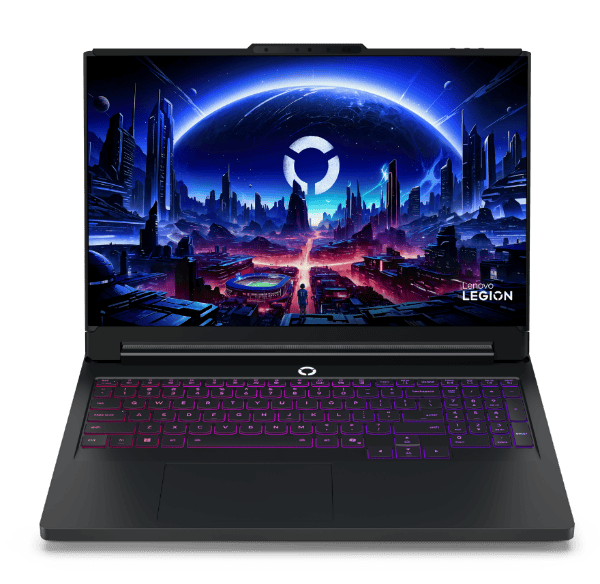
- If graphics performance is a priority, consider purchasing a laptop that comes with discrete graphics. These laptops have dedicated GPUs that can be more powerful and offer better performance for gaming, video editing, and other GPU-intensive tasks.
3. Software Optimization and Settings:
- Optimize software settings, reduce graphical effects, and update drivers to improve performance on laptops with integrated graphics. This can help maximize the capabilities of the existing hardware without physical upgrades.
4. Upgrading RAM:
- While upgrading RAM does not directly upgrade integrated graphics, it can improve overall system performance and multitasking capabilities, which indirectly benefits graphics performance.
Conclusion
In conclusion, integrated graphics in laptops cannot be upgraded in the traditional sense due to their integration into the motherboard or CPU.
This limitation is inherent to the design of laptops and the way integrated graphics are implemented. While this may seem restrictive for users seeking enhanced graphics performance, there are alternative solutions such as external GPUs, choosing laptops with discrete graphics, optimizing software settings, and upgrading system components like RAM to improve overall performance.
Understanding these limitations and exploring alternative options will help you make informed decisions when selecting a laptop that meets your graphics performance needs and usage requirements effectively.