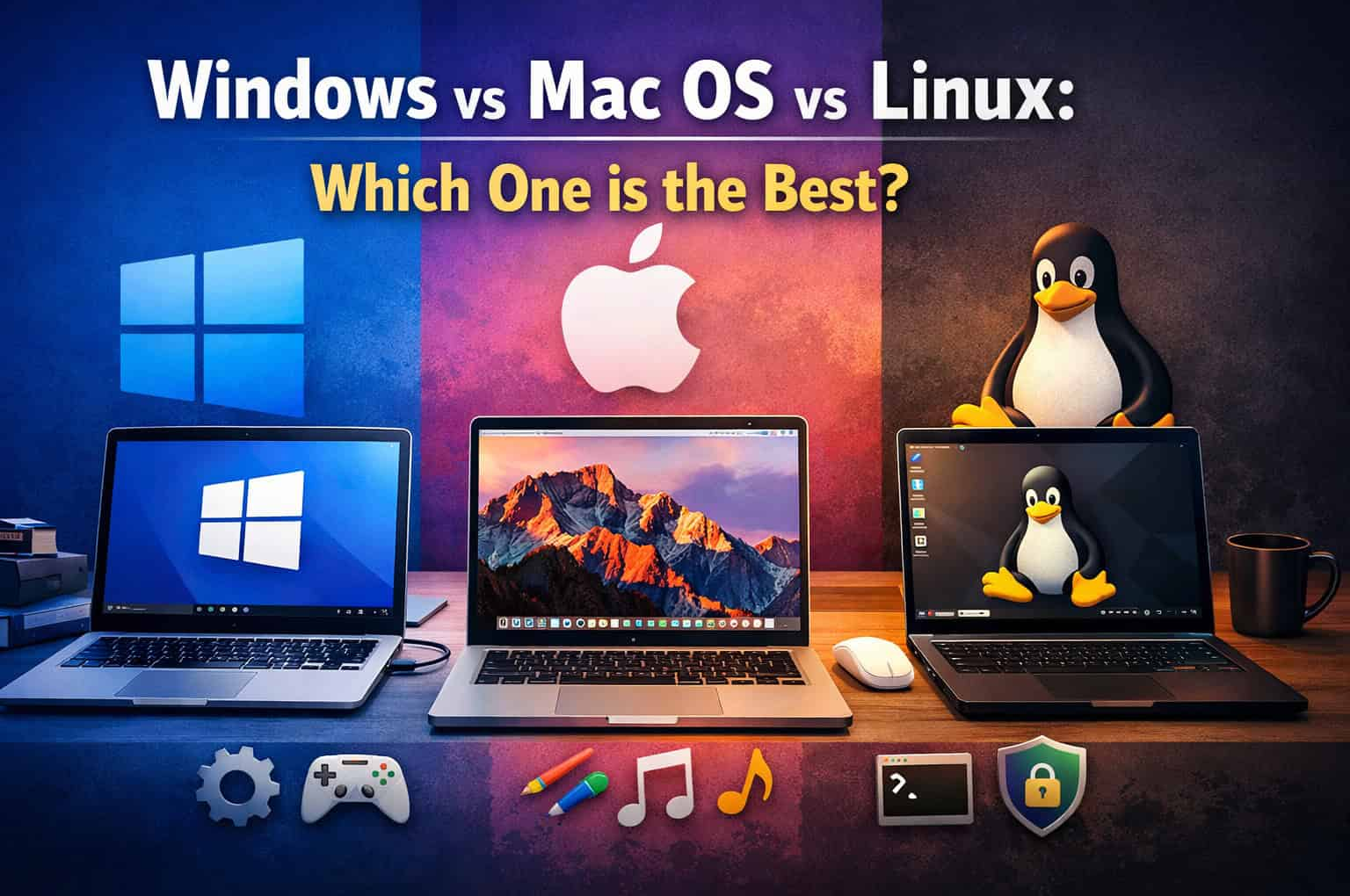
Choosing an operating system (OS) for your laptop is a crucial decision that impacts your overall computing experience, from usability and performance to software compatibility and security. Each operating system—Windows, macOS, and Linux—offers unique features and benefits tailored to different user needs and preferences. In this comprehensive comparison, we explore the strengths and weaknesses of each OS to help you determine which one might be the best fit for you.
Windows: Versatile and Widely Compatible
Pros of Windows:
- Wide Compatibility: Windows is compatible with a vast range of hardware and software, making it a versatile choice for both personal and professional use.
- Extensive Software Library: It boasts the largest selection of applications, from productivity tools to games, available through the Microsoft Store and third-party sources.
- Familiar User Interface: Windows features a user-friendly interface with customizable options, making it accessible for users of all levels.
- Gaming Support: Windows is the dominant platform for PC gaming, with support for DirectX and a vast library of games available on platforms like Steam.
- Hardware Variety: Numerous laptop manufacturers offer Windows laptops in various configurations, catering to different budgets and requirements.
Cons of Windows:
- Security Concerns: Windows is more susceptible to viruses and malware compared to macOS and Linux, requiring regular updates and security software.
- Performance Variability: Performance can vary depending on hardware configurations and the amount of background processes running, potentially leading to slowdowns.
- Cost: While some versions of Windows come pre-installed on laptops, others require purchasing a license, adding to the overall cost.
MacOS: Seamless Integration and User Experience
Pros of macOS:
- Intuitive User Interface: macOS is known for its sleek design and intuitive user interface, offering a seamless user experience across Apple devices.
- Optimized for Apple Ecosystem: It integrates seamlessly with other Apple products like iPhones and iPads, allowing for continuity in workflows.
- Security: macOS is considered more secure than Windows, with built-in encryption, regular updates, and a curated App Store reducing the risk of malware.
- Developer Tools: macOS is popular among developers for its Unix-based terminal and built-in development tools, making it ideal for software development.
- Media and Creativity: It is favored by professionals in creative industries for its robust multimedia capabilities, including video editing and graphic design software like Final Cut Pro and Logic Pro X.
Cons of macOS:
- Limited Hardware Choices: macOS is exclusively available on Apple’s own hardware, limiting options compared to Windows laptops in terms of configurations and price points.
- Cost: Apple laptops are typically more expensive than their Windows counterparts with similar specifications, placing them in a higher price bracket.
- Software Compatibility: While macOS supports a wide range of applications, some software titles are exclusive to Windows or have limited macOS versions.
Linux: Open Source Flexibility and Customization
Pros of Linux:
- Open Source: Linux distributions (distros) like Ubuntu, Fedora, and Debian are free and open source, fostering a community-driven ecosystem.
- Customization: Linux offers extensive customization options, allowing users to tailor their desktop environments and software configurations to their preferences.
- Stability and Security: Linux is known for its stability, with fewer crashes and performance issues compared to Windows. It also has a reputation for strong security, benefiting from a transparent and collaborative development model.
- Performance: Linux is lightweight and efficient, making it suitable for older hardware and resource-constrained systems.
- Developer and Server Use: Linux dominates the server market and is preferred by developers for its command-line interface (CLI) tools and development environments like Docker and Git.
Cons of Linux:
- Software Compatibility: While Linux supports many open-source and third-party applications, it lacks support for certain proprietary software and games that are exclusive to Windows or macOS.
- Learning Curve: Linux can have a steeper learning curve for users accustomed to graphical interfaces and proprietary software, requiring familiarity with command-line operations for certain tasks.
- Hardware Compatibility: While Linux has improved hardware compatibility over the years, some specialized hardware or peripherals may not have native Linux drivers or support.
Conclusion: Choosing the Right OS for You
The “best” operating system ultimately depends on your specific needs, preferences, and how you intend to use your laptop:
- Choose Windows if you prioritize compatibility with a wide range of software, including gaming, and prefer a familiar user interface with extensive customization options.
- Opt for macOS if you value seamless integration with other Apple devices, prioritize security and reliability, and work extensively with media and creative software.
- Consider Linux if you prefer an open-source environment, enjoy customization and flexibility, prioritize stability and security, and are comfortable with exploring and learning new software tools.
Ultimately, your decision should consider factors such as software compatibility, user interface preferences, security considerations, and your budget.
Each operating system offers distinct advantages and may cater better to different user demographics and use cases. By understanding these differences, you can make an informed choice that aligns with your computing needs and enhances your overall laptop experience.